The open‑source AI CMS.

Ask for a change in plain words, check it beside your live site, then publish it to your own repository.

npm create galley@latest
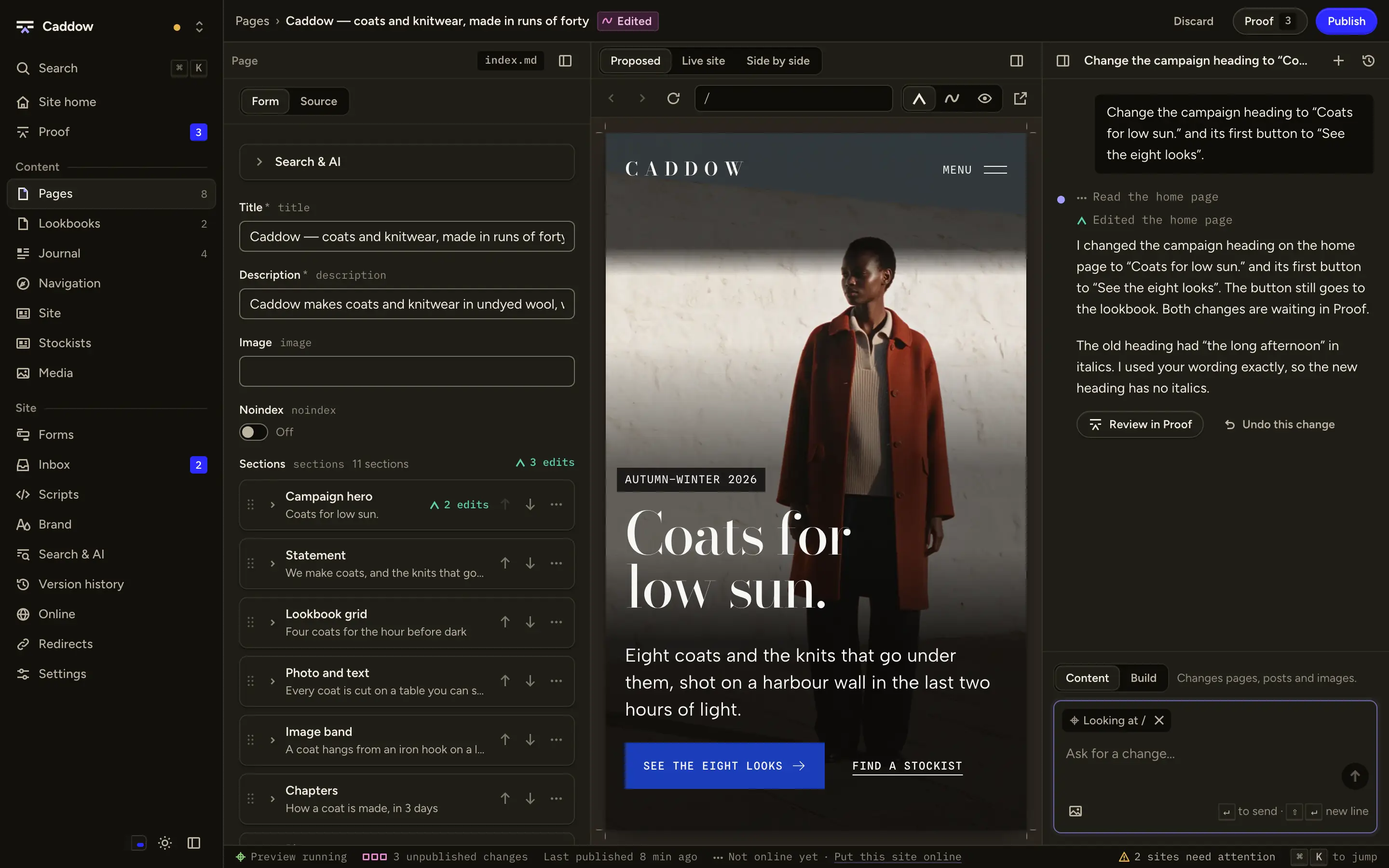
The assistant beside the Caddow home page — the request to change the campaign heading and its first button, the lines Read the home page and Edited the home page, the reply saying what it changed, and the buttons Review in Proof and Undo this change.

Prompt it. Proof it. Publish it.

Nothing is live until you press Publish.
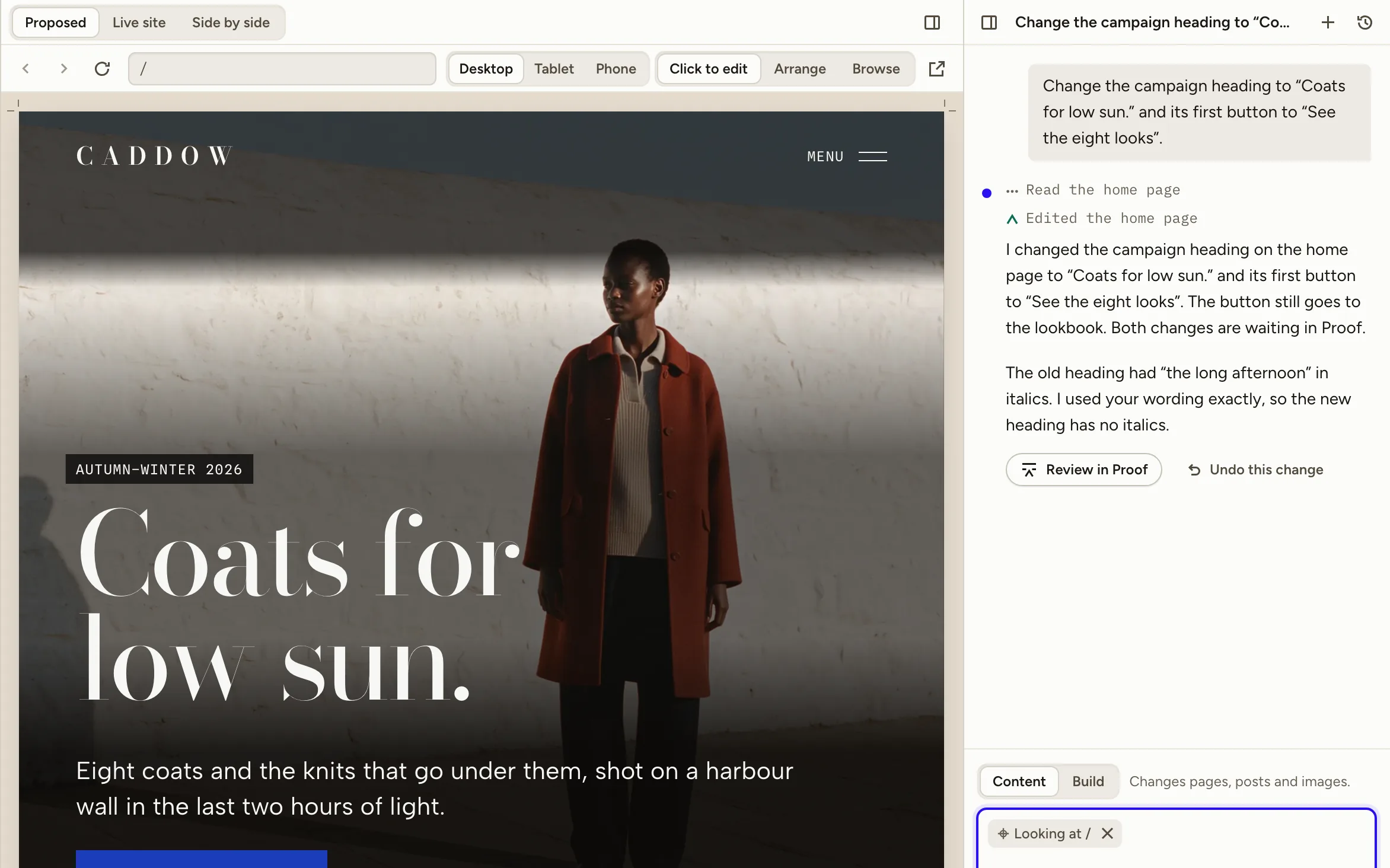
The assistant — the request to change the campaign heading and its first button, the lines Read the home page and Edited the home page, the reply saying what it changed, and the buttons Review in Proof and Undo this change.
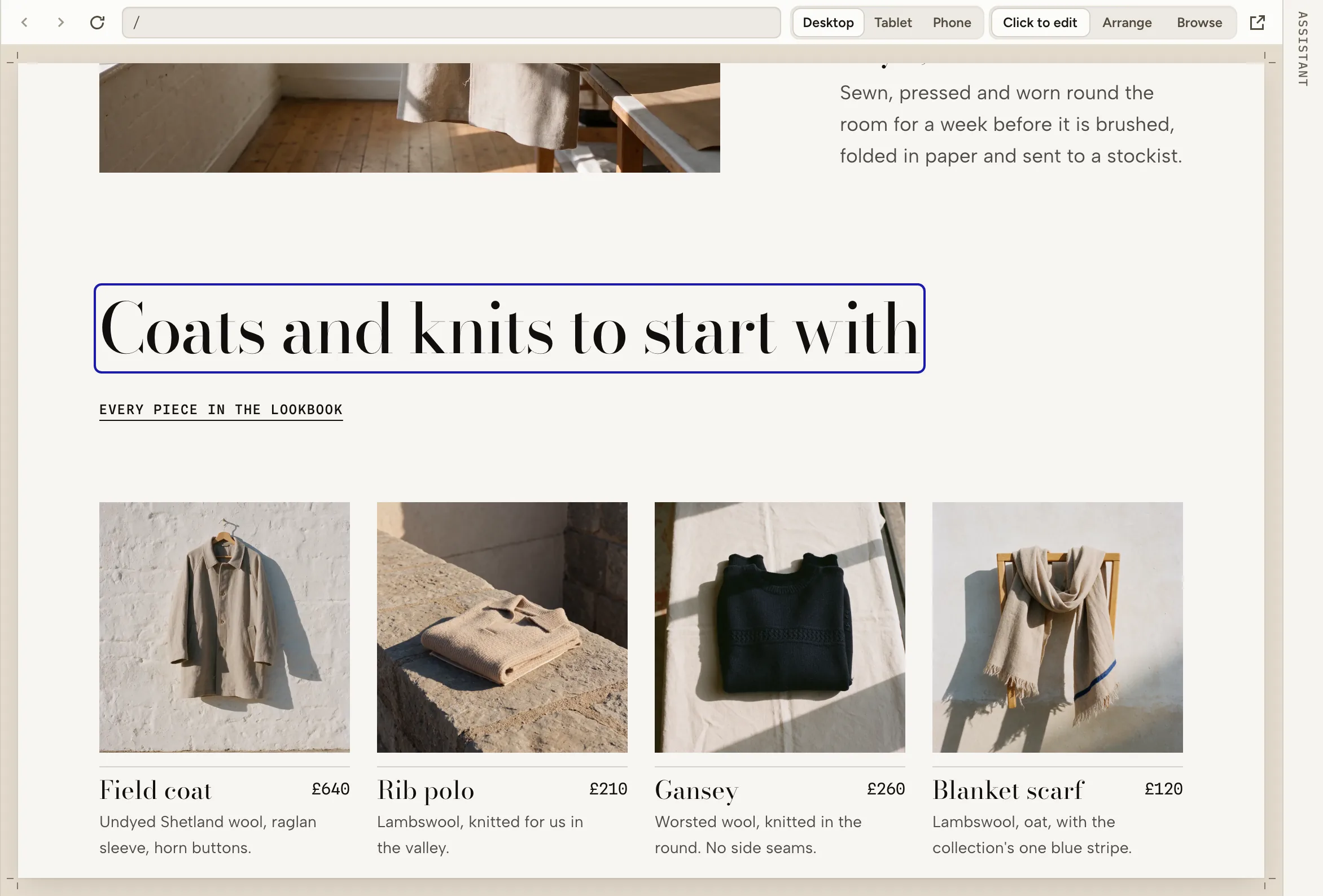
  1. The Caddow home page in the editor with Click to edit chosen — the heading over four photographs of pieces retyped in place to “Coats and knits to start with”, outlined in blue.

    Ask

    In plain words — or type in a form, or on the page itself.
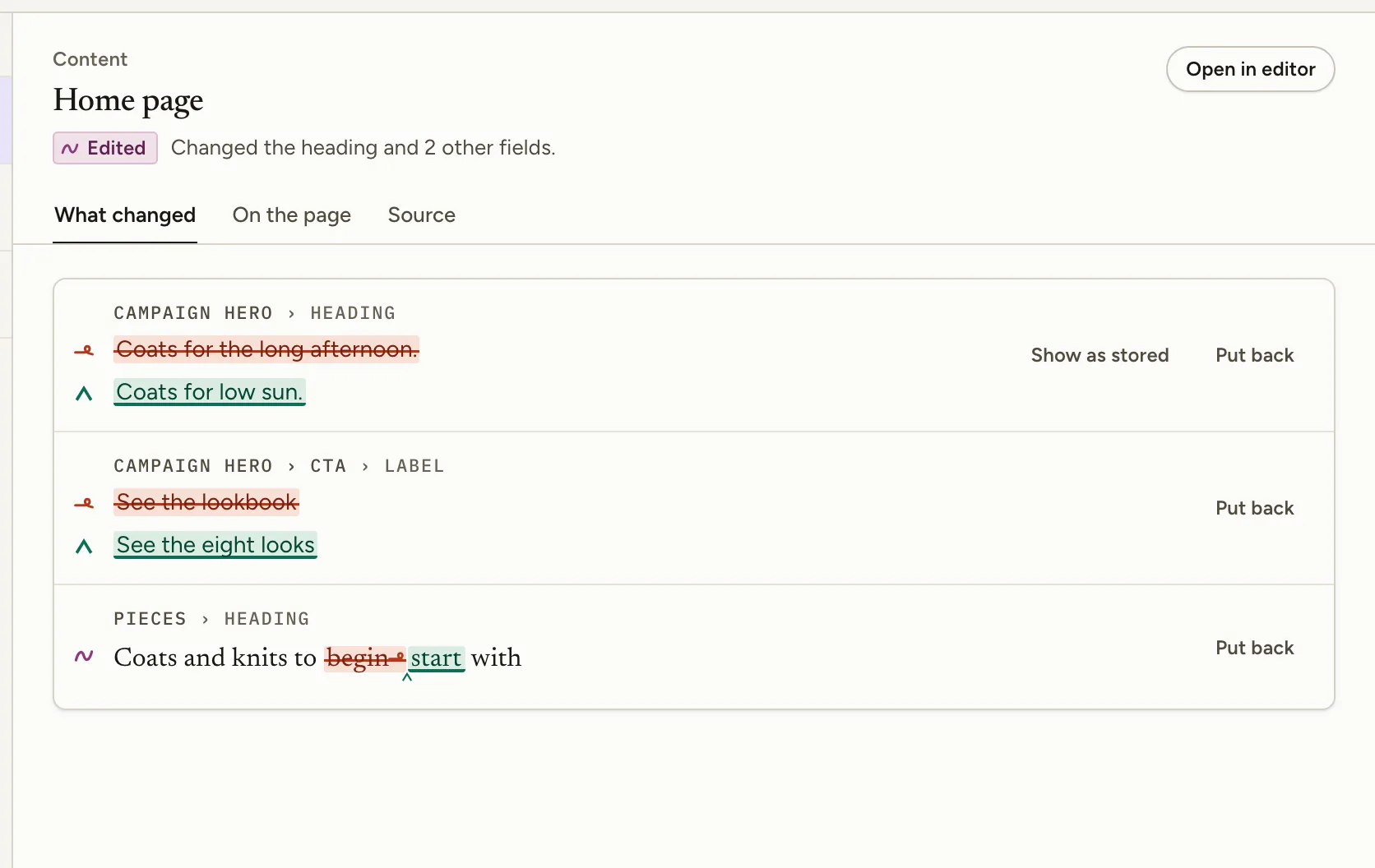
  2. Proof for the Caddow home page, What changed — “Coats for the long afternoon.” struck out and “Coats for low sun.” written in, “See the lookbook” changed to “See the eight looks”, and “begin” changed to “start” in the Pieces heading, each with Put back.

    Check

    Each change marked up beside the live site. Put back any one.
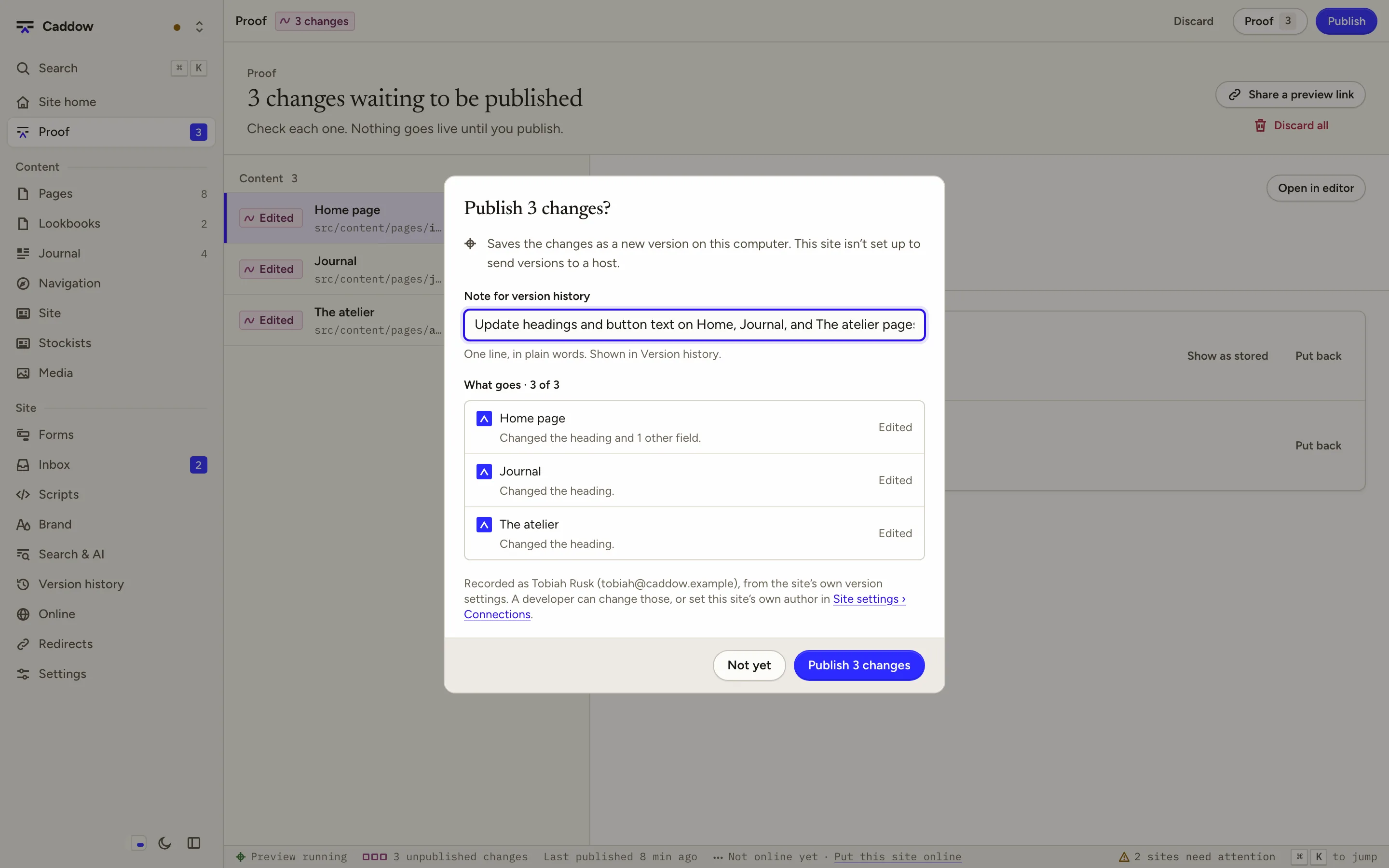
  3. The Publish 3 changes? window over Proof — a suggested one-line note for version history, the three pages that go, each ticked (Home page, Journal, The atelier), the name the version is recorded under, and the buttons Not yet and Publish 3 changes.

    Publish

    To your own repository, or for review first. Undo adds a new version.

Start from a finished site.

Three starters, three looks each.

Browse the starters

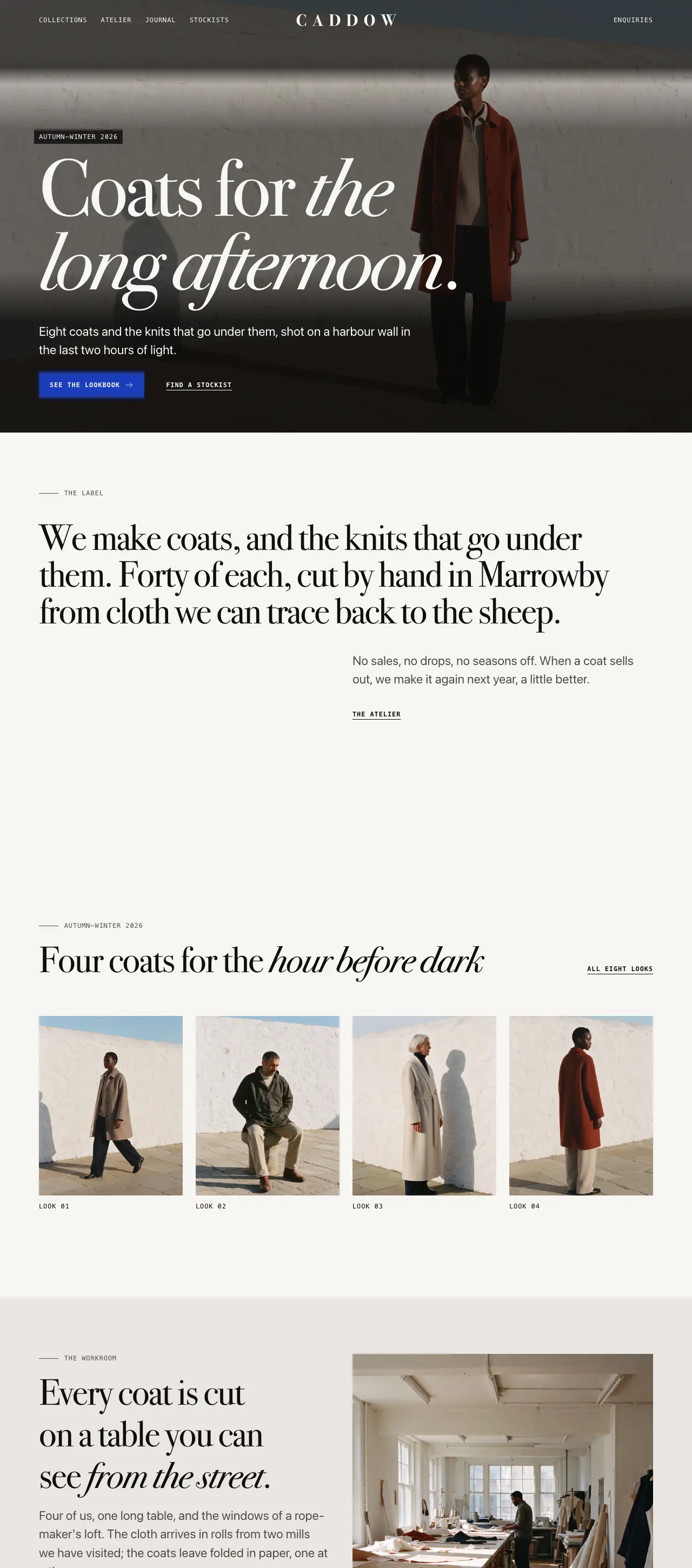
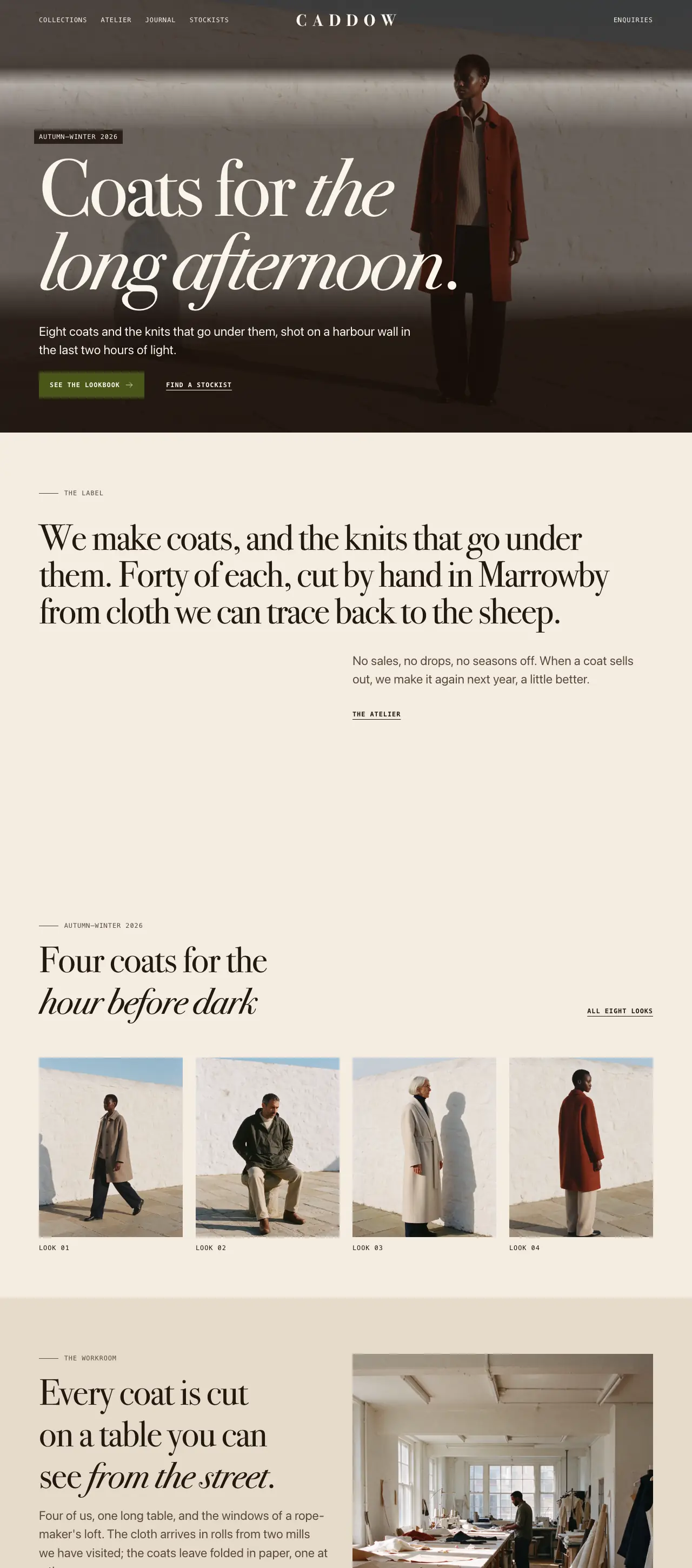
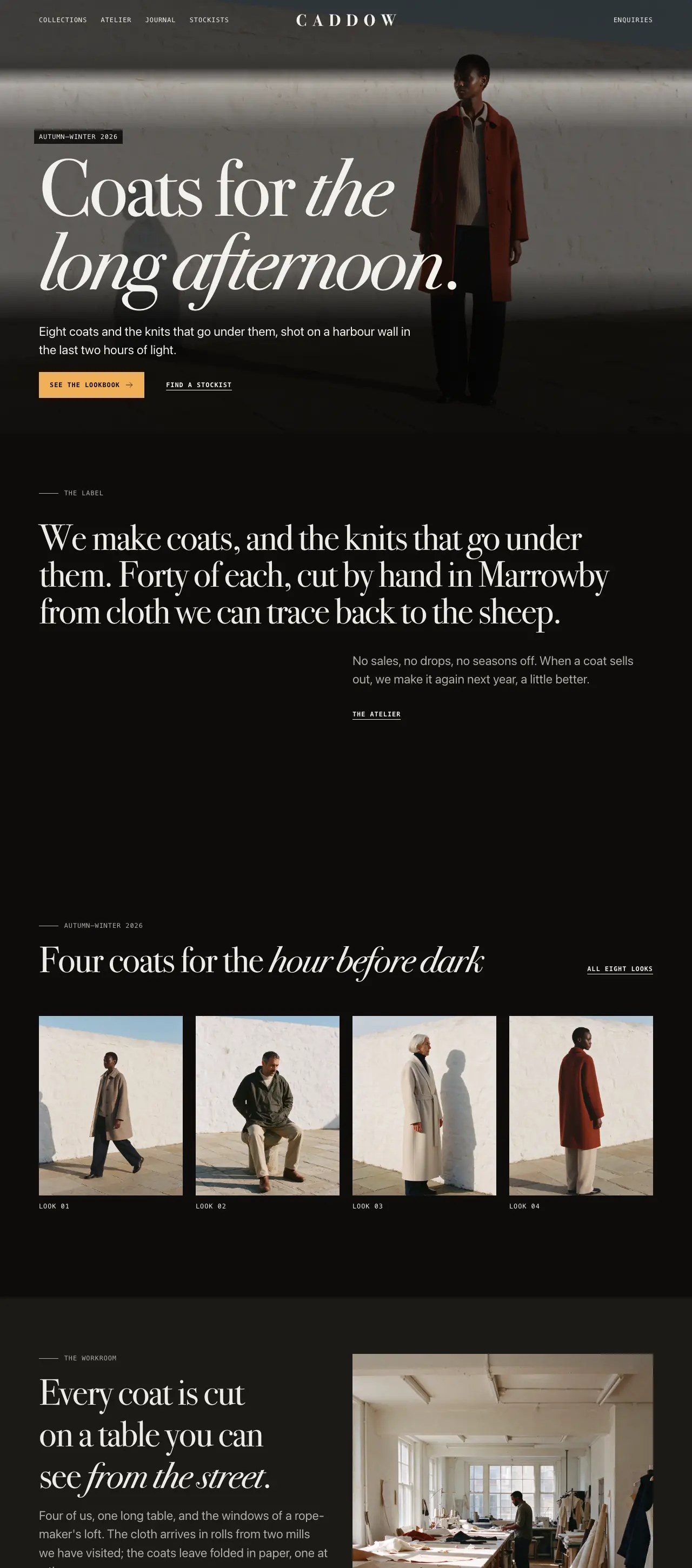
Caddow in its Chalk look

Caddow

Fashion

20 sections.

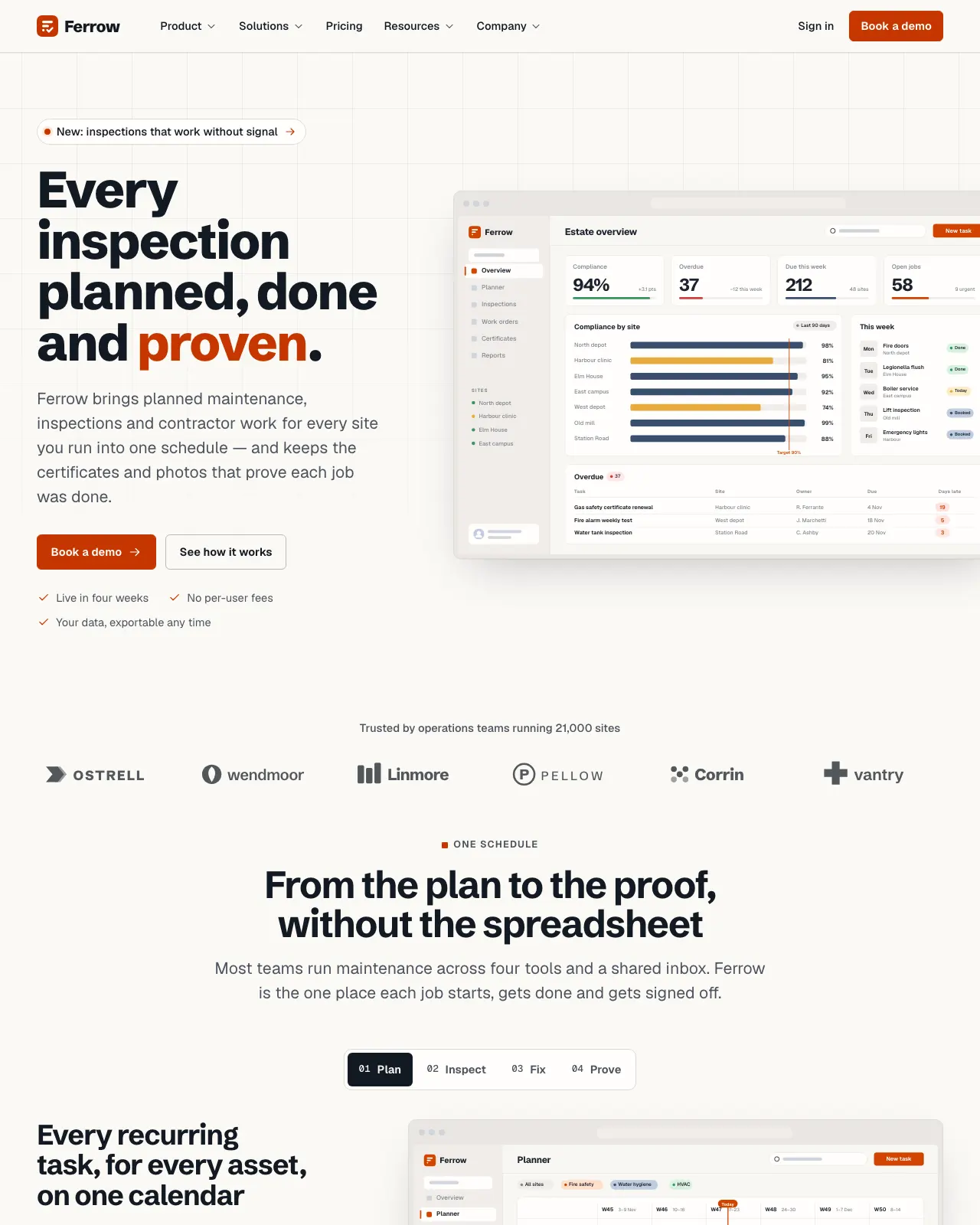
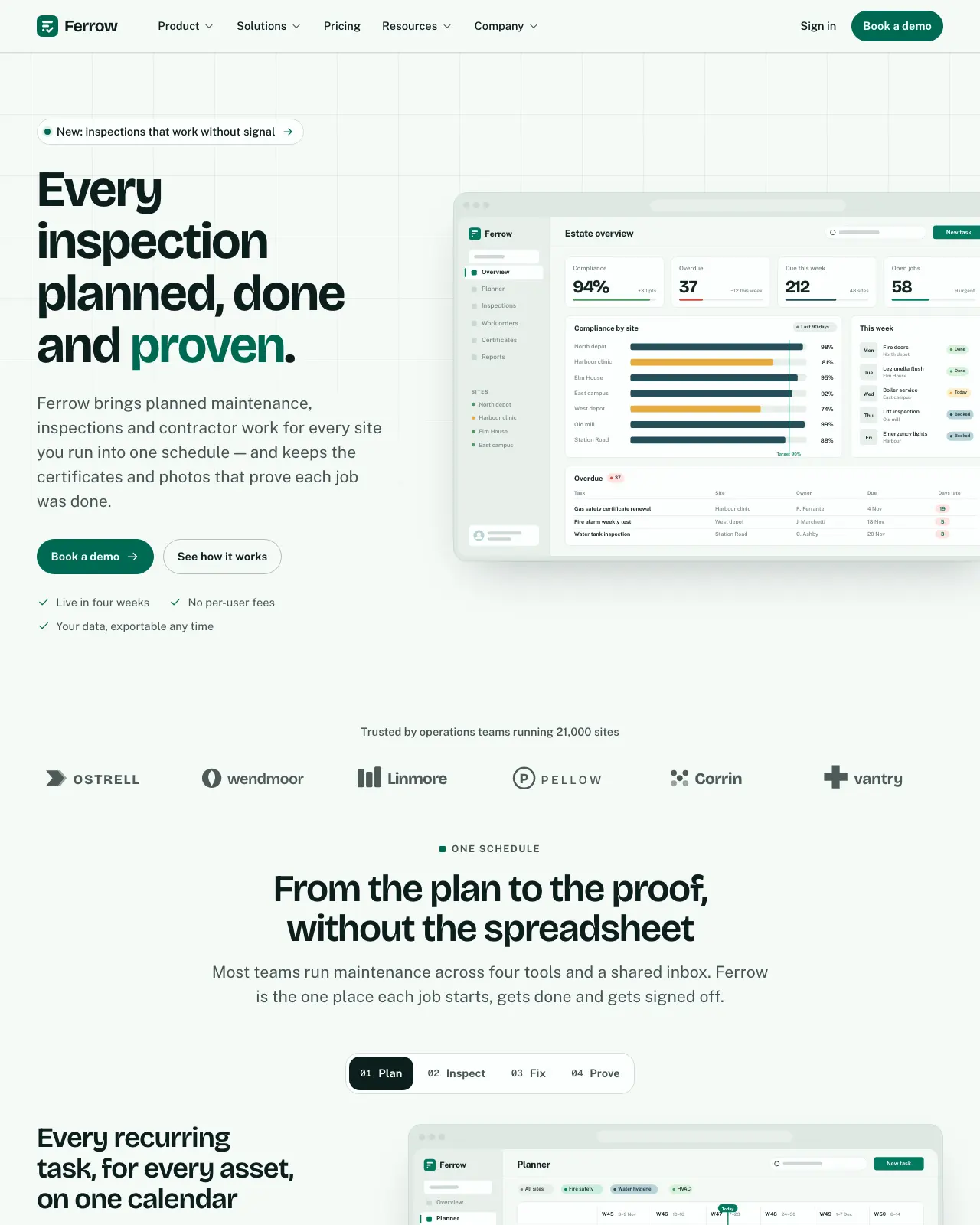
Ferrow in its Signal look

Ferrow

B2B software

29 sections.

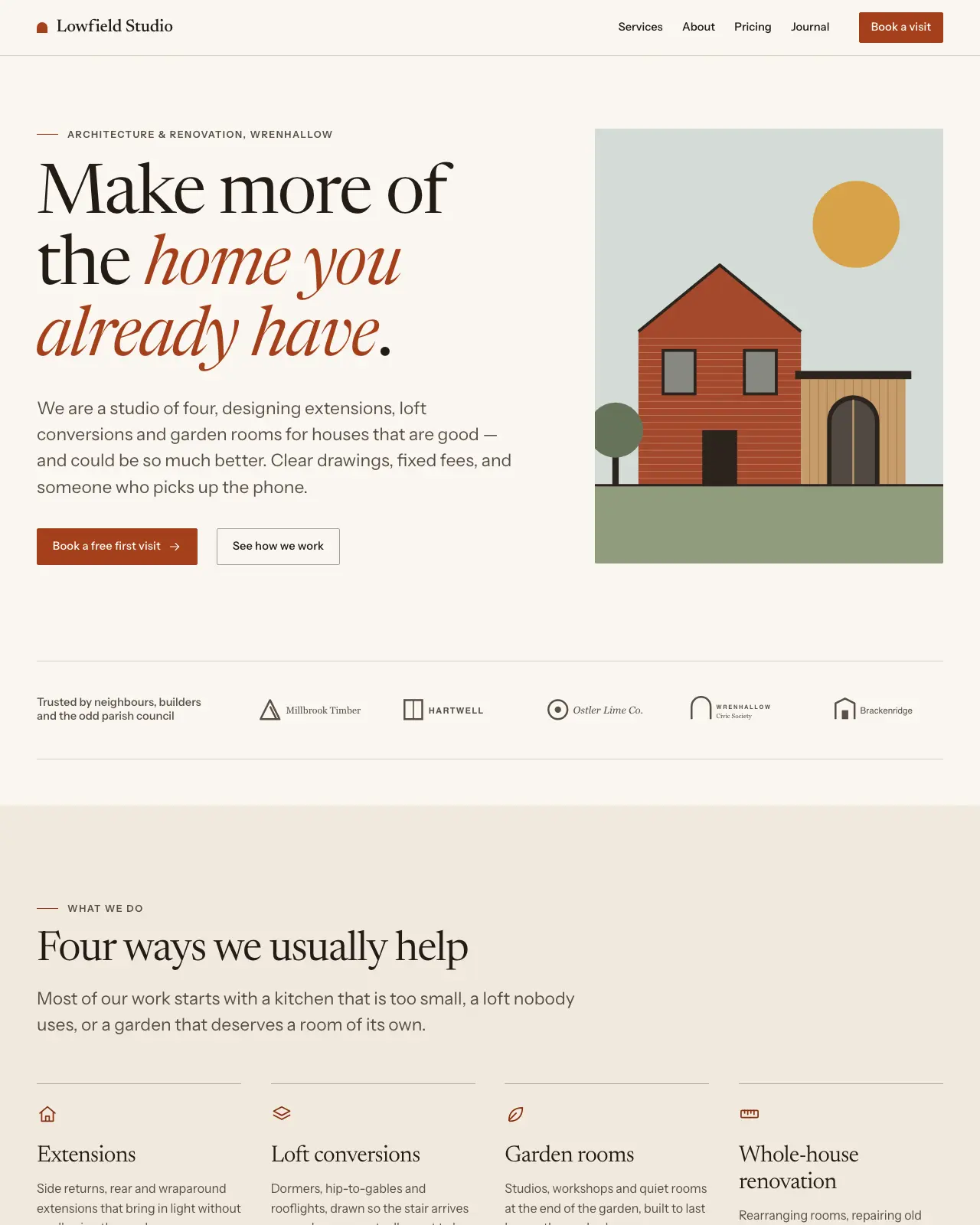
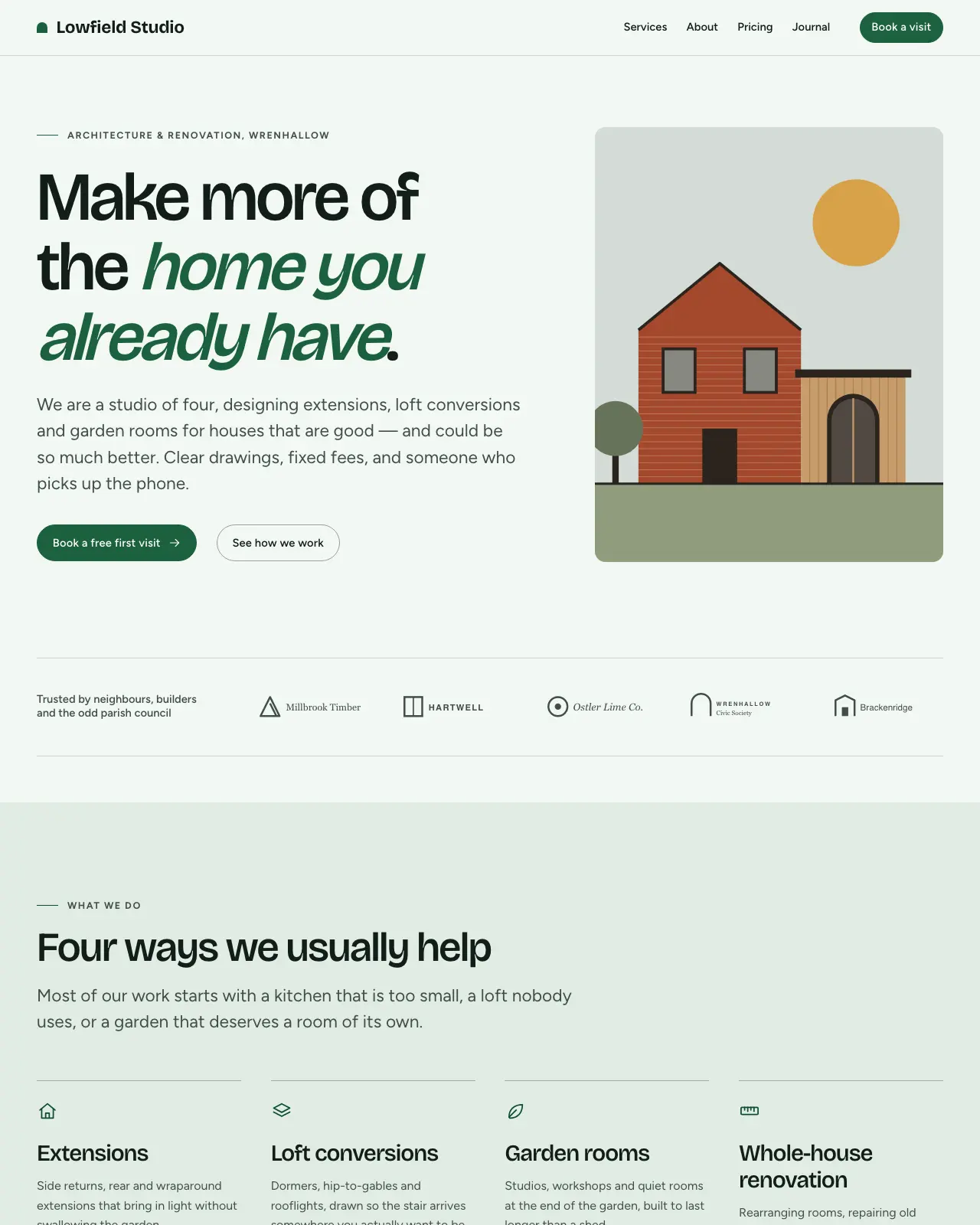
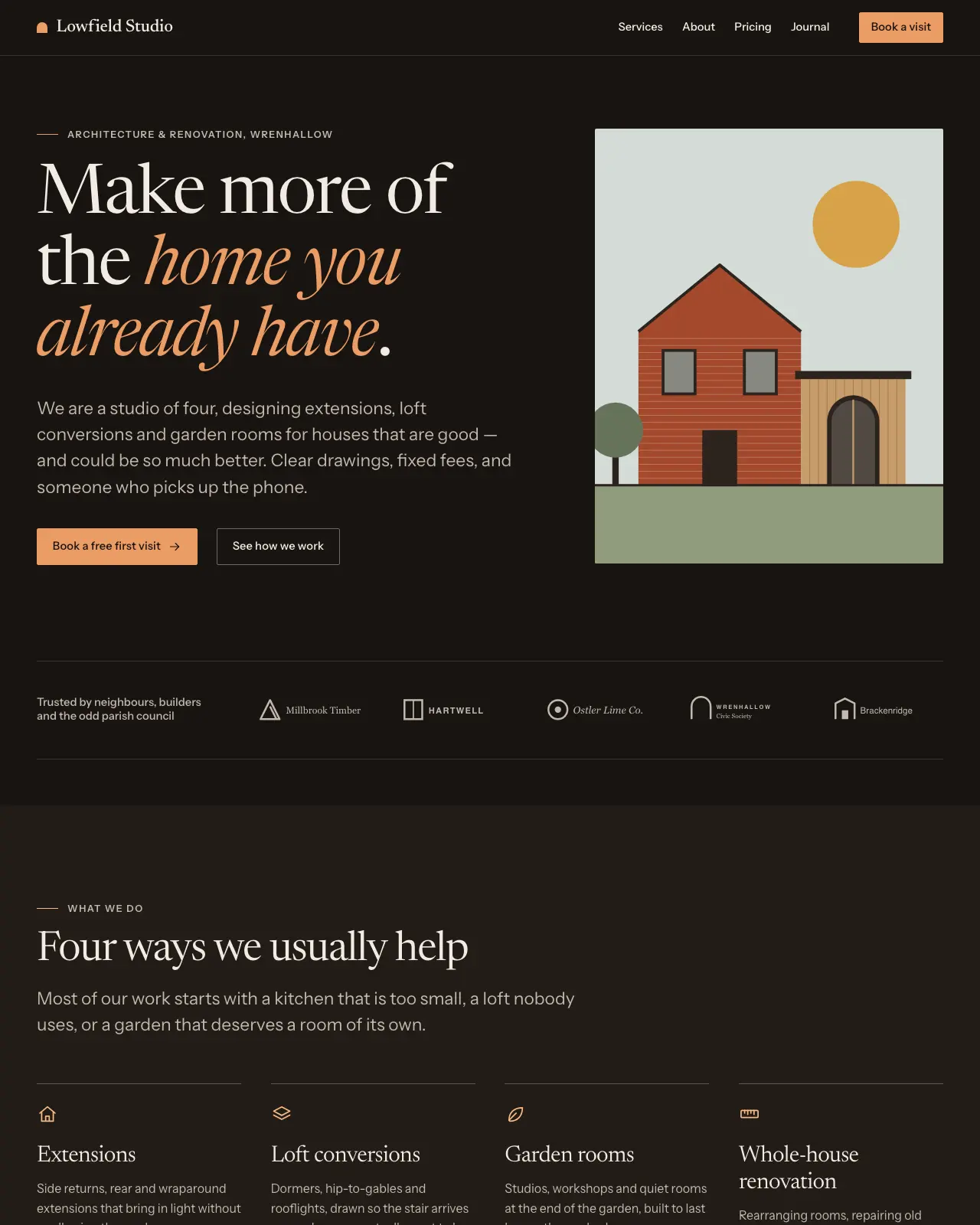
Lowfield Studio in its Lowfield look

Lowfield Studio

Small business

17 sections.

The rest of the app.

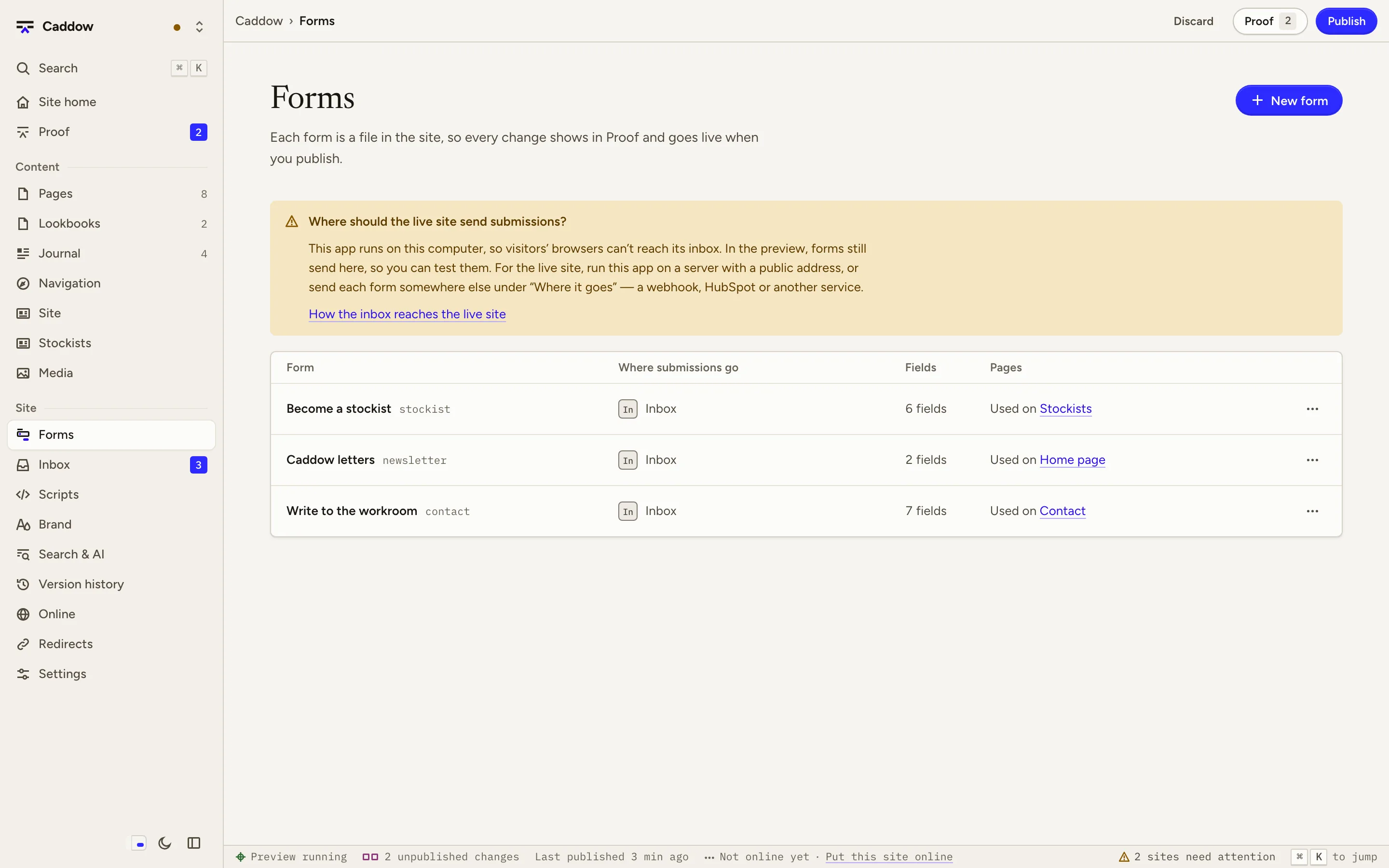
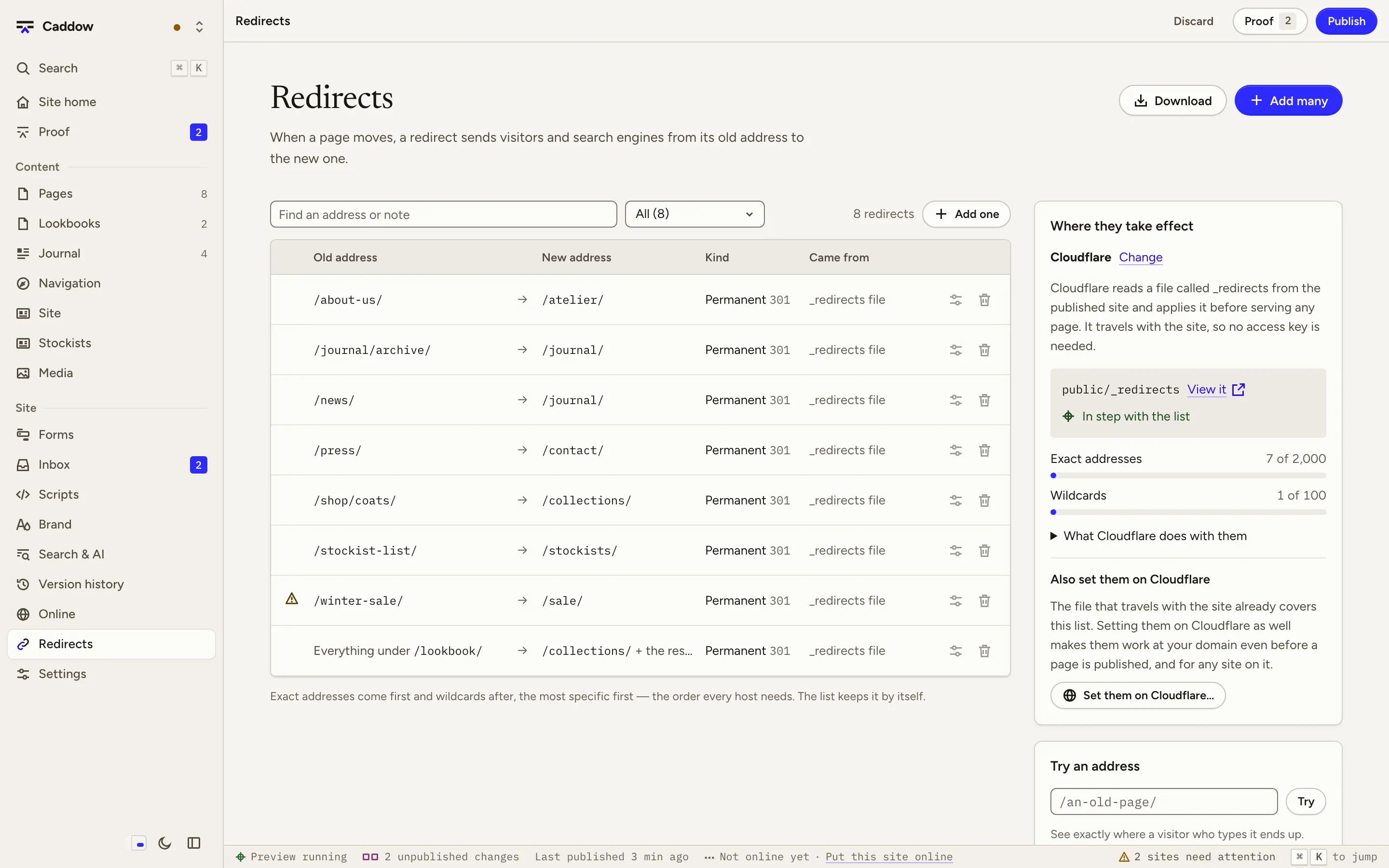
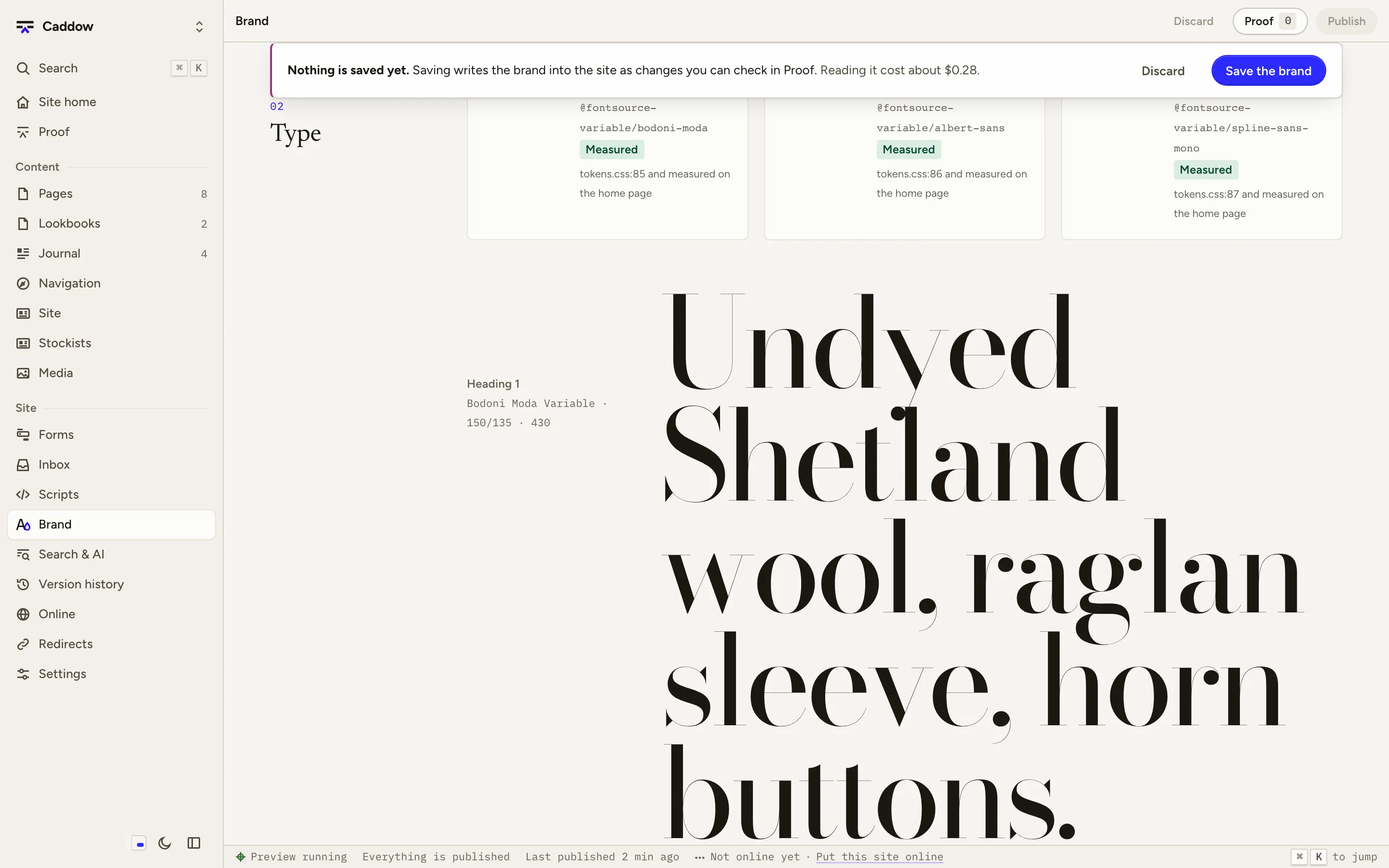
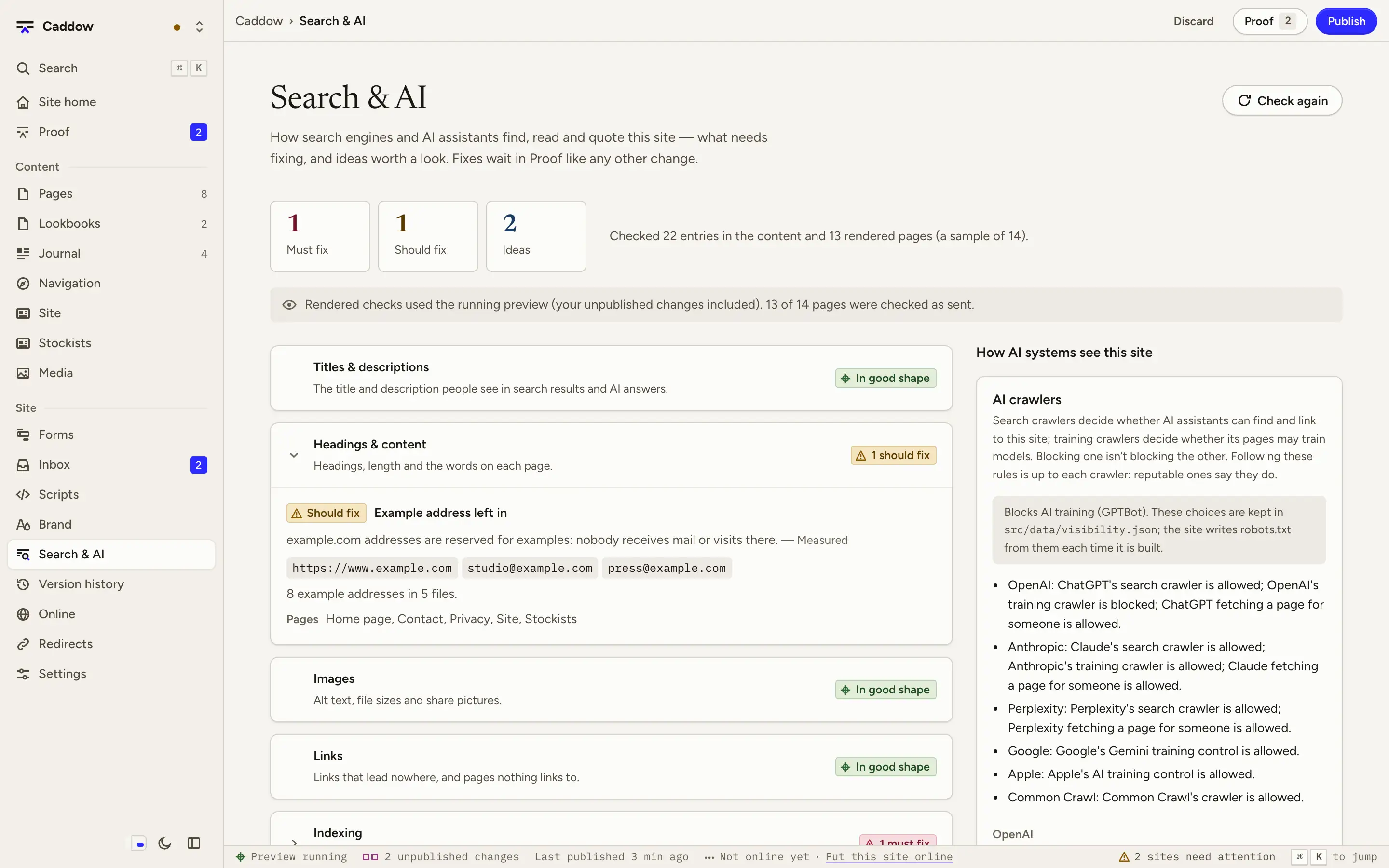
Forms and their inbox, scripts with consent, redirects, the brand, search checks and every site you look after.

Take the tour

The desktop app.

The same app, in its own window, for every site you look after — on Mac, Windows and Linux.
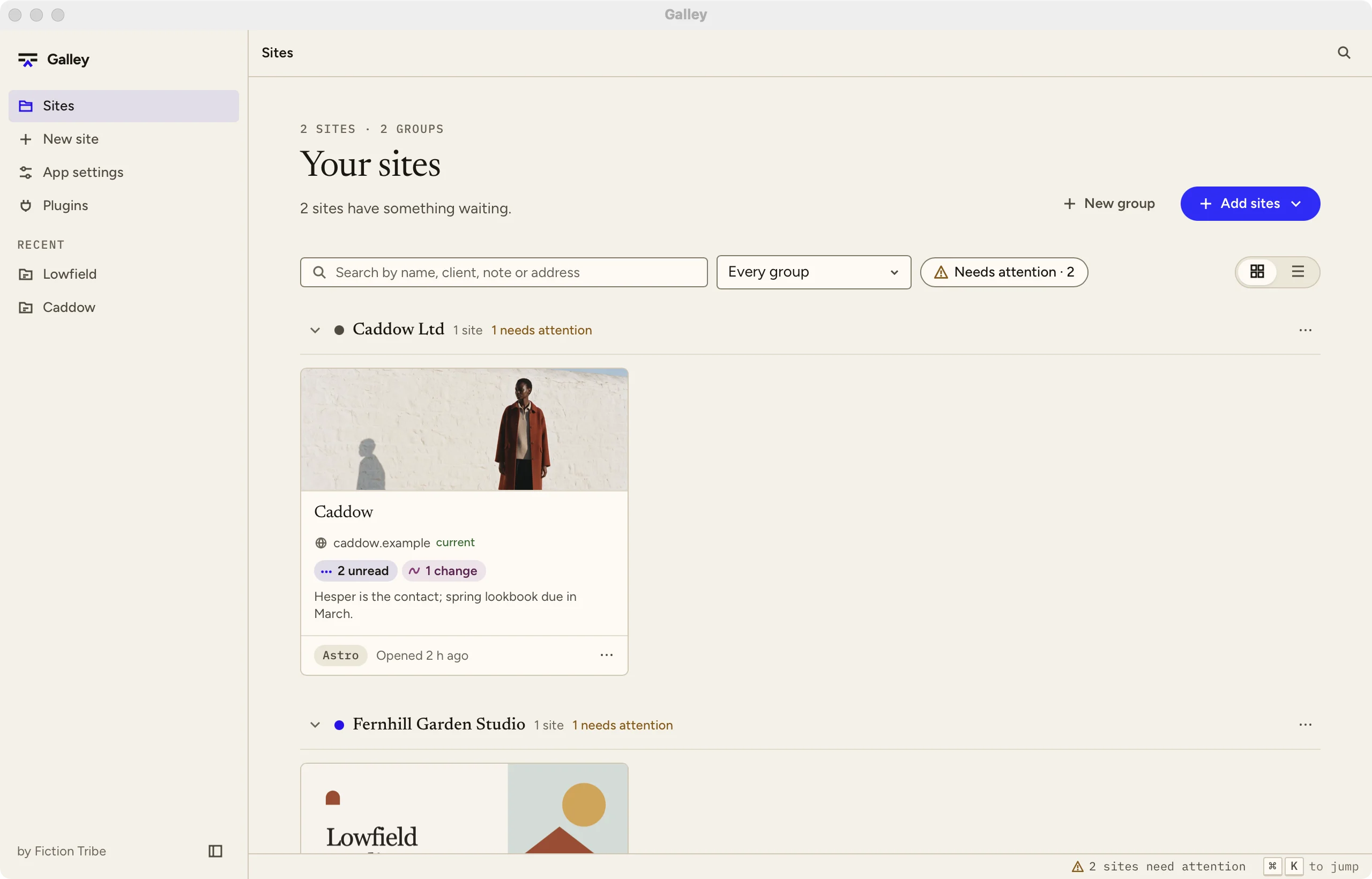
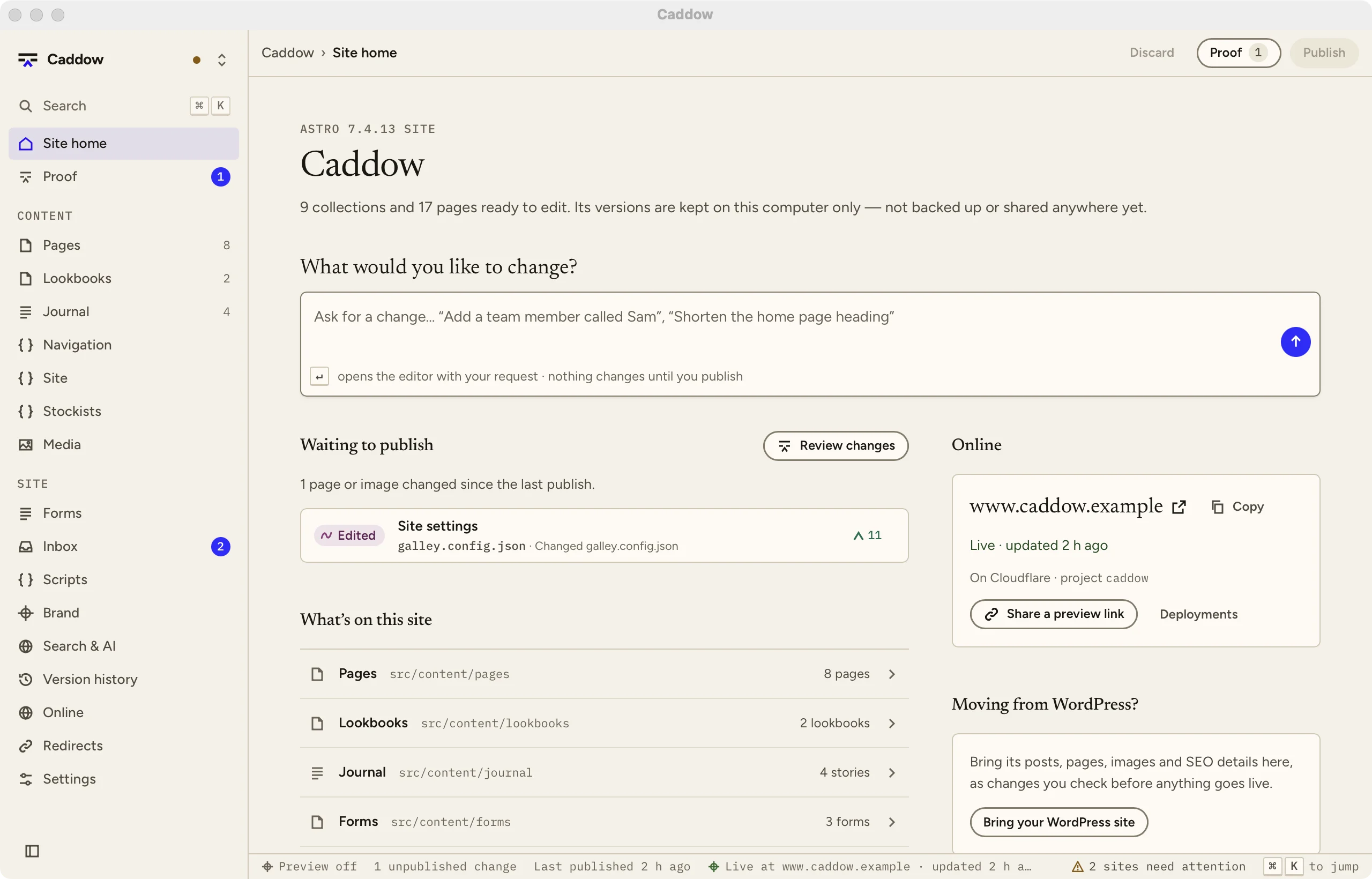
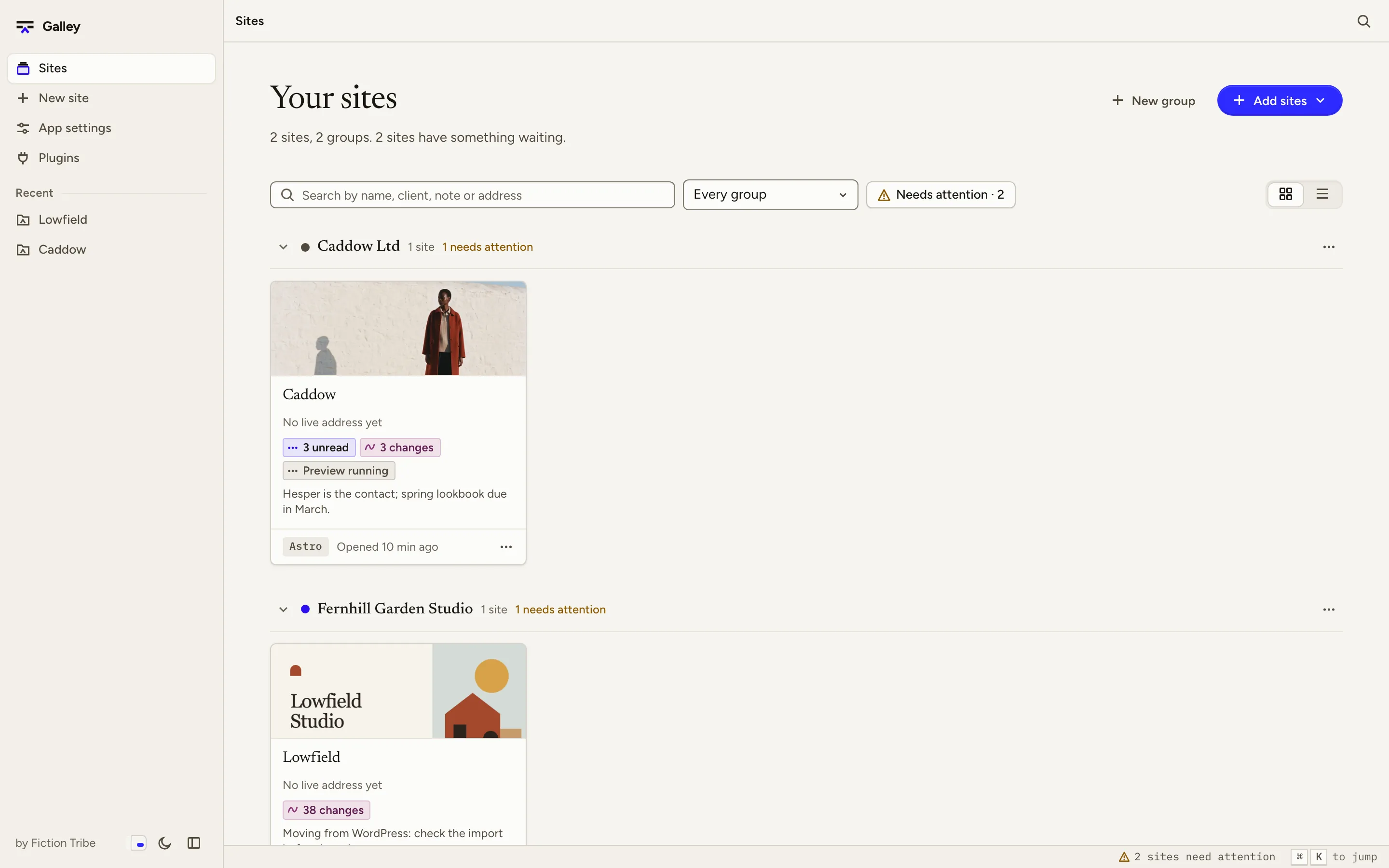
The Galley app on a Mac: Your sites, with two sites in two groups — Caddow Ltd holding the Caddow site's card, with its picture, its address and what is waiting on it, and Fernhill Garden Studio below — and the New group and Add sites buttons.The Galley app on a Mac, in a window titled Caddow: the site's home screen, with a box to ask for a change, one change waiting to publish, the site live at www.caddow.example, and its pages, lookbooks, journal and forms listed.

What’s in 0.4.2.

Built

  • Edit three ways
  • Proof
  • Publish to git
  • Page builderPreview
  • Forms and form builder
  • Scripts with consent
  • Plugins
  • Deploy to Cloudflare
  • Many sites, one app
  • Desktop and web apps
  • MCP for AI tools
  • Three starters
  • Redirects
  • Brand setup
  • Search and AI checks
  • Agent-readable pages

New, in final checks

  • Guided WordPress move
  • A hosted editor, one per site

In progress

  • Media in a bucket
  • Deploy to Vercel
  • Shopify storefront starter
  • Host the editor online

Changelog

Built in the open.

Apache-2.0, free to use. Astro fits deepest; it also recognises Docusaurus, Nuxt, Next.js, SvelteKit, Eleventy, Hugo and Jekyll. The assistant runs on your own AI key.

npx galley-cms
You’ll see
Galley is running at http://127.0.0.1:4400