Add Google Analytics
Count visits with Google Analytics 4, loaded only once visitors agree to it.
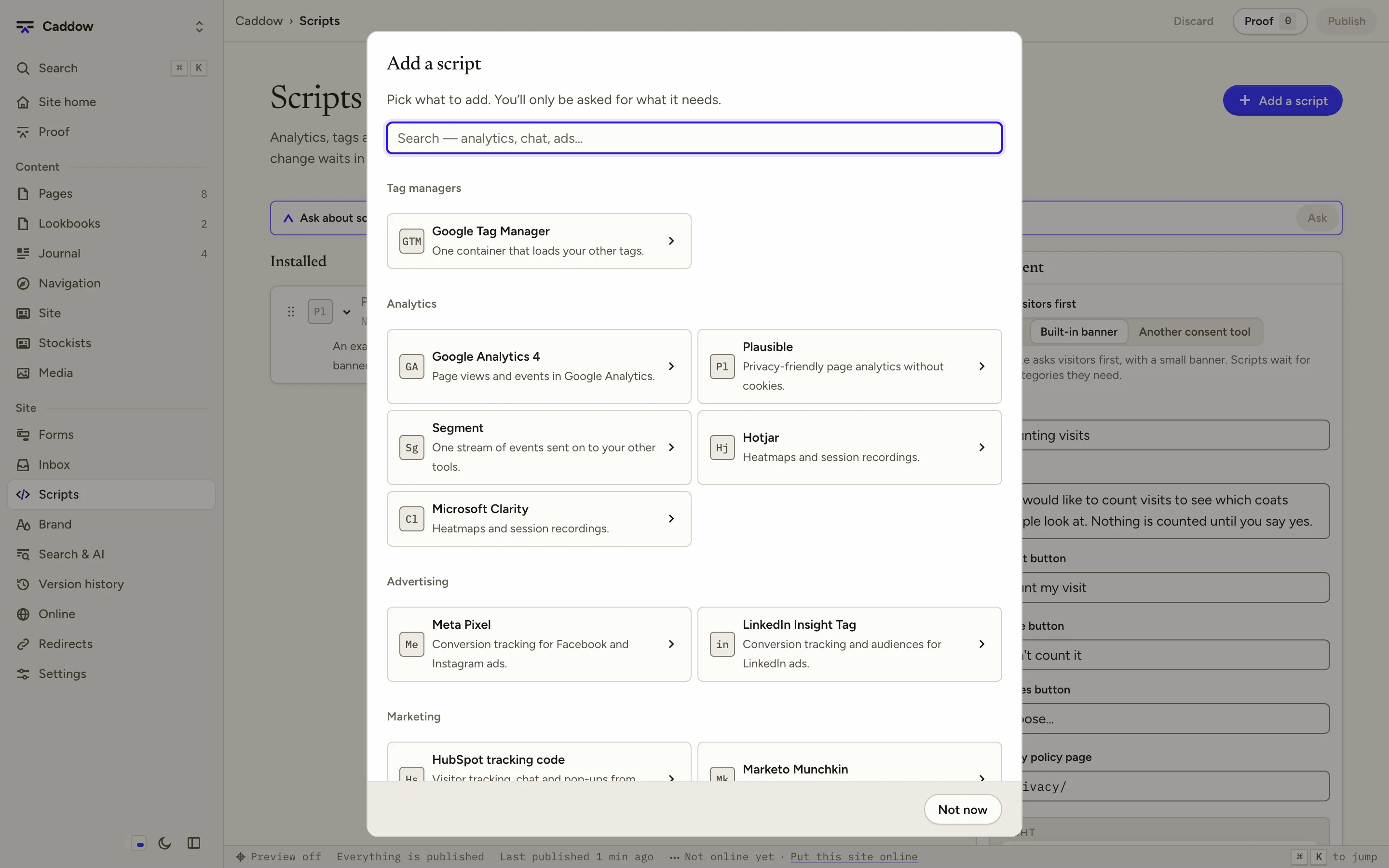
Open Scripts in the sidebar and press Add a script, then choose Google Analytics 4.
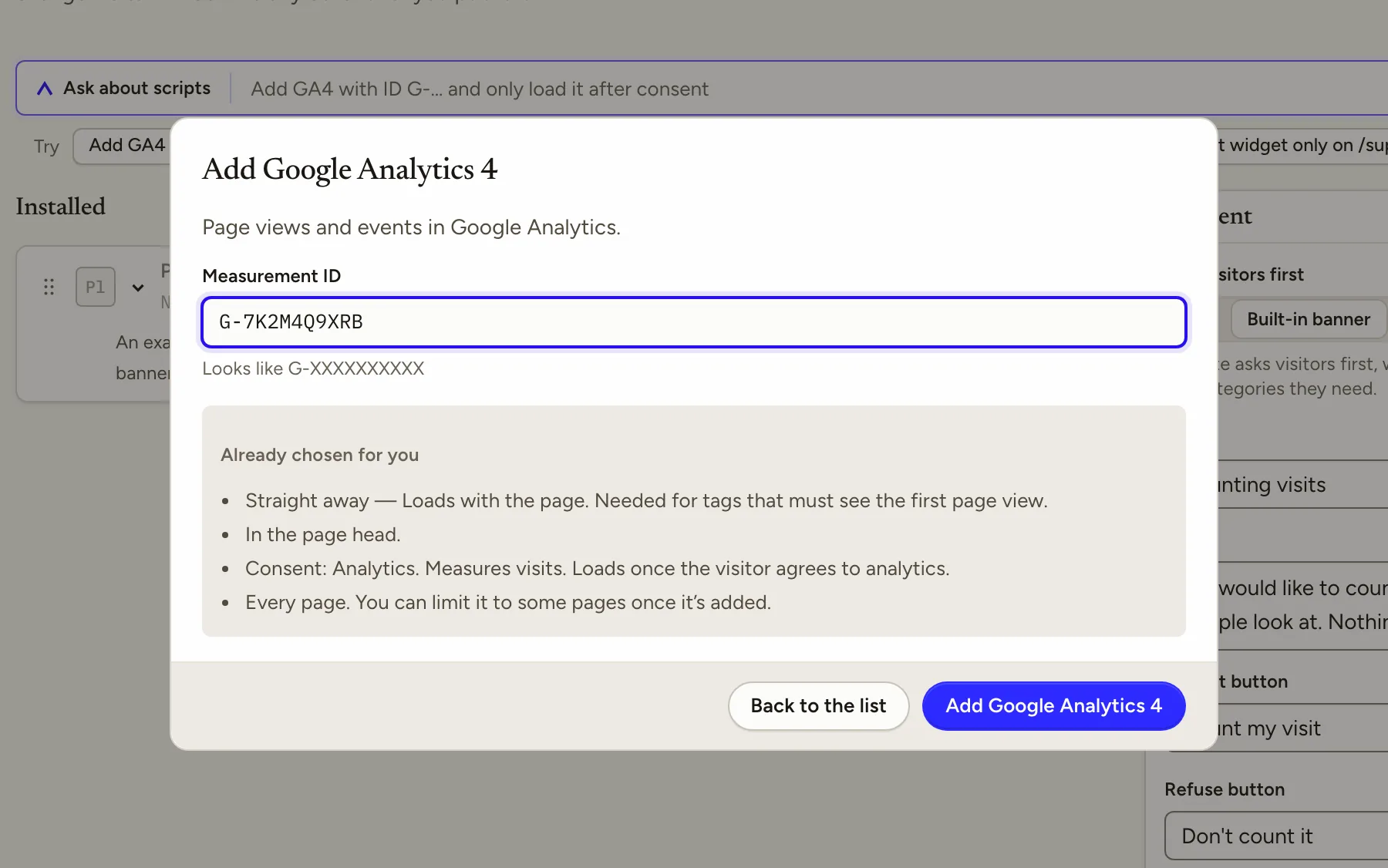
Paste your Measurement ID (it looks like G-XXXXXXXXXX) and press Add Google Analytics 4.
You’ll see: Already chosen for you says when and where it loads, and that it waits for the visitor's consent to analytics.
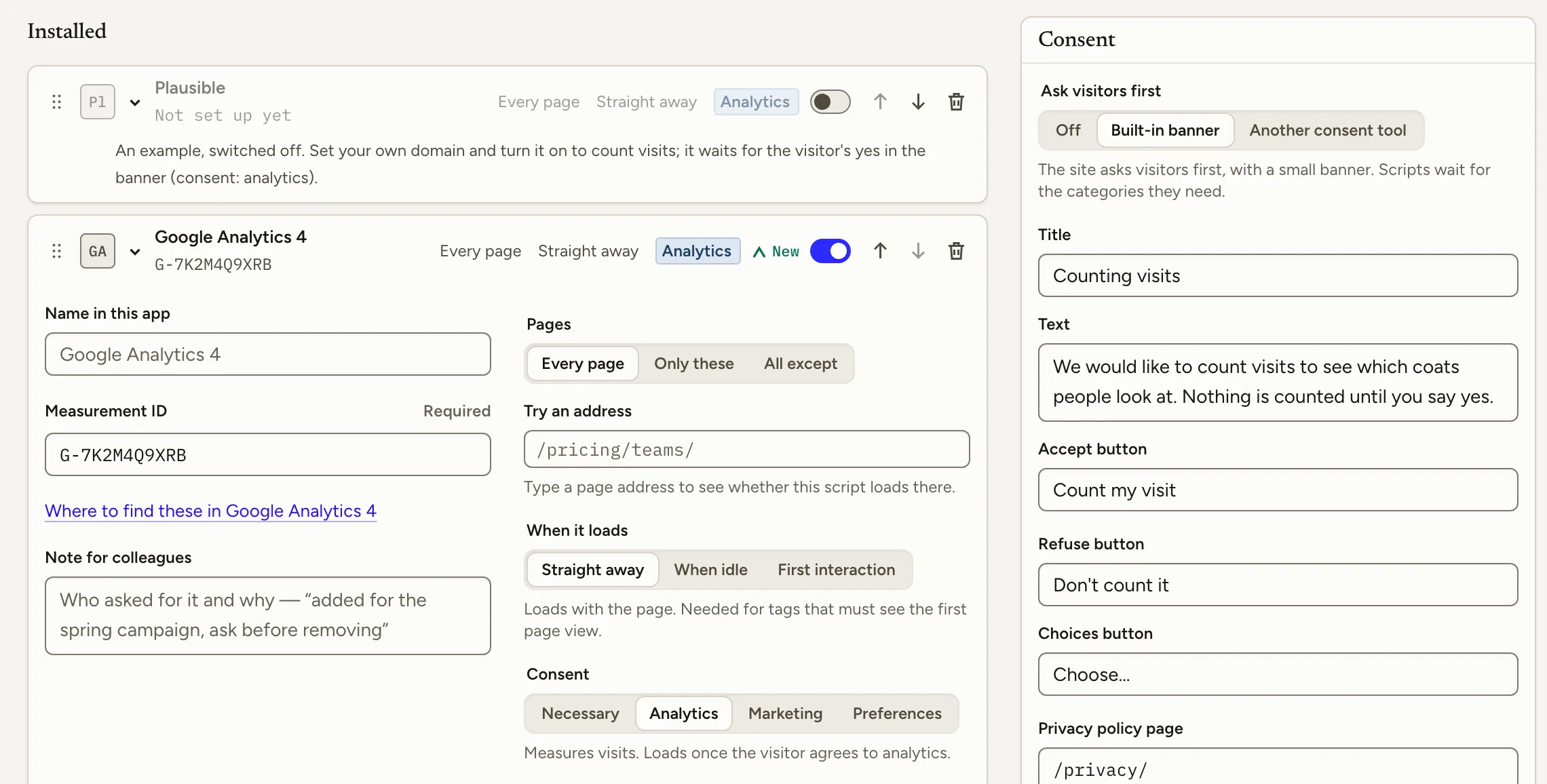
Check it under Installed: it's switched on, and its Consent is Analytics. Under Consent, Ask visitors first is Built-in banner, so it loads only after a visitor agrees.
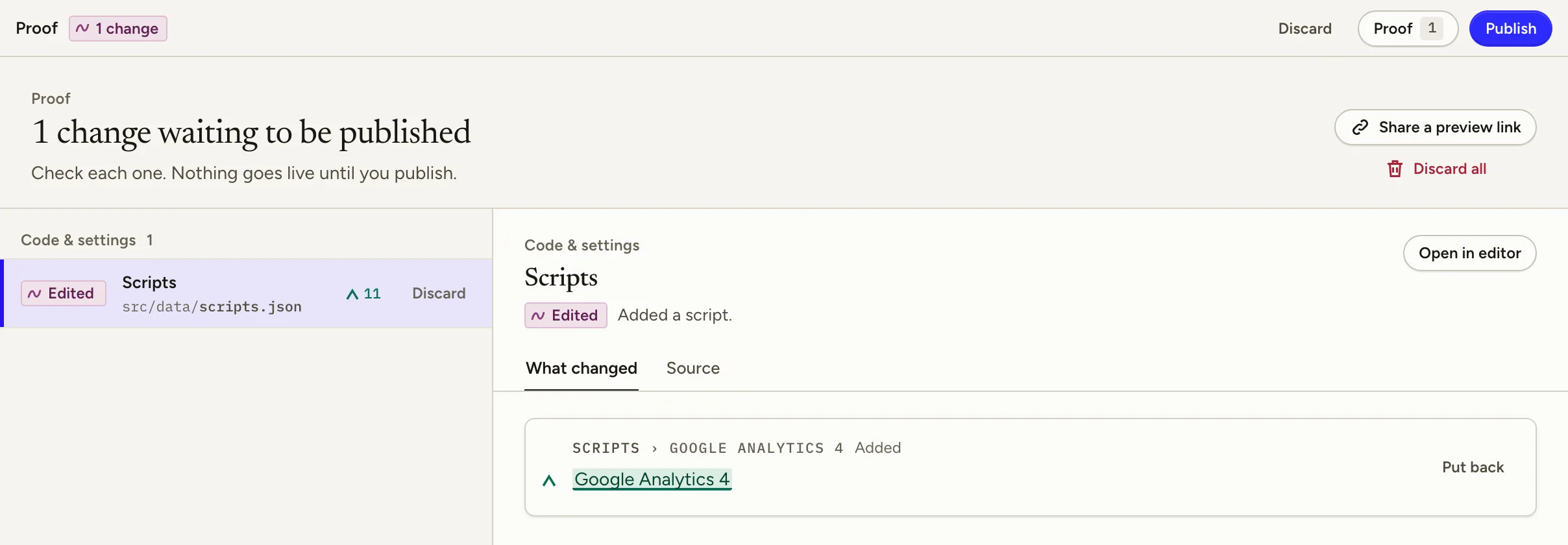
Open Proof to see the change waiting, then press Publish.
You’ll see: Nothing loads on the live site until you publish.