Change text on the page
Click the words on the page itself and type over them, without hunting for the right field.
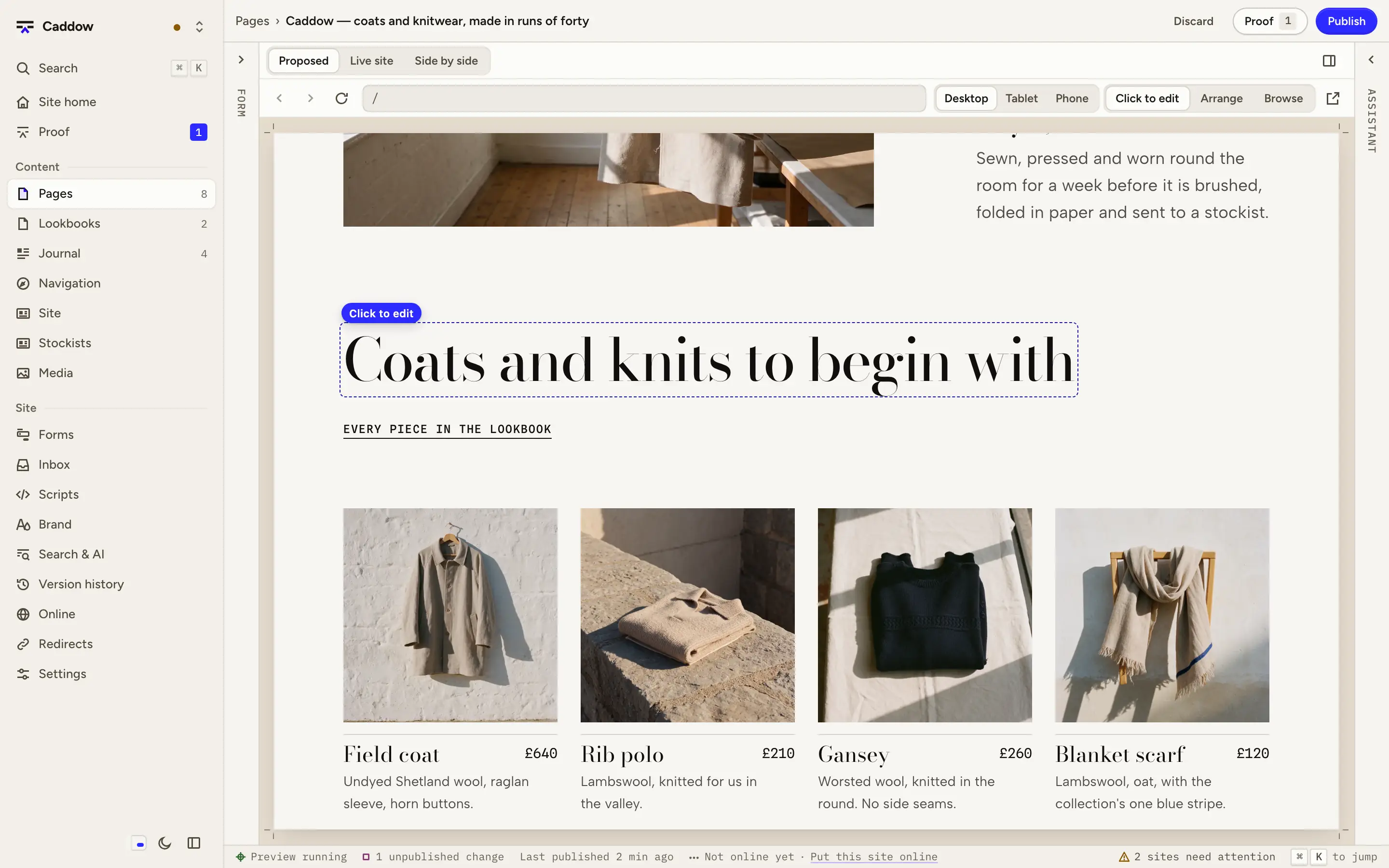
Open the page in the editor. Above the page, Click to edit is chosen; point at the words you want to change.
You’ll see: They get a dotted outline and a Click to edit tag.
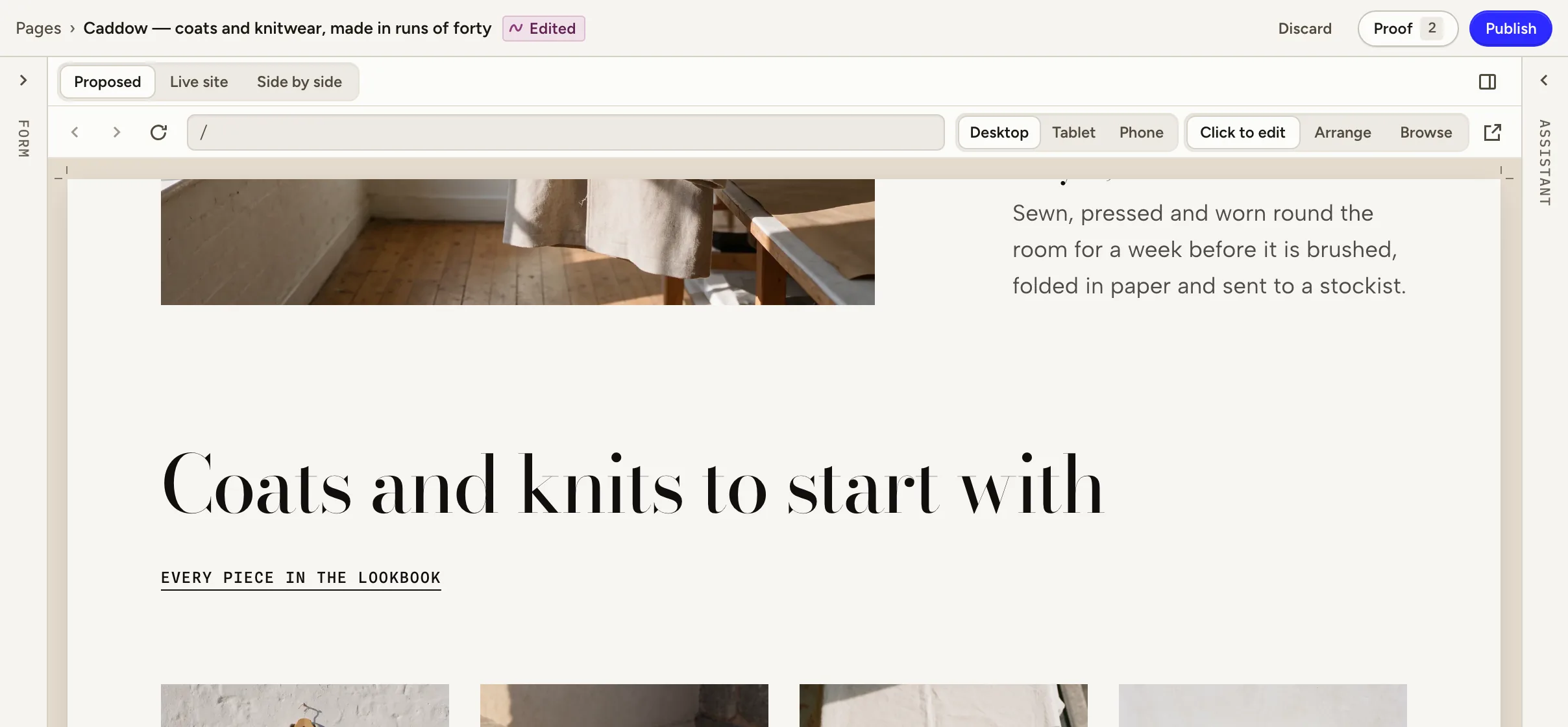
Click, and type over the words.
Press Enter to keep the change, or Escape to leave the words as they were.
You’ll see: It's saved like any edit in the form, and waits in Proof.
If the same words come from more than one place, it asks Which one did you mean? Choose one, then type — or Close to leave them as they are.