Bring a site over from WordPress
Move a WordPress site's posts, pages and images into this site, checked before anything goes live.
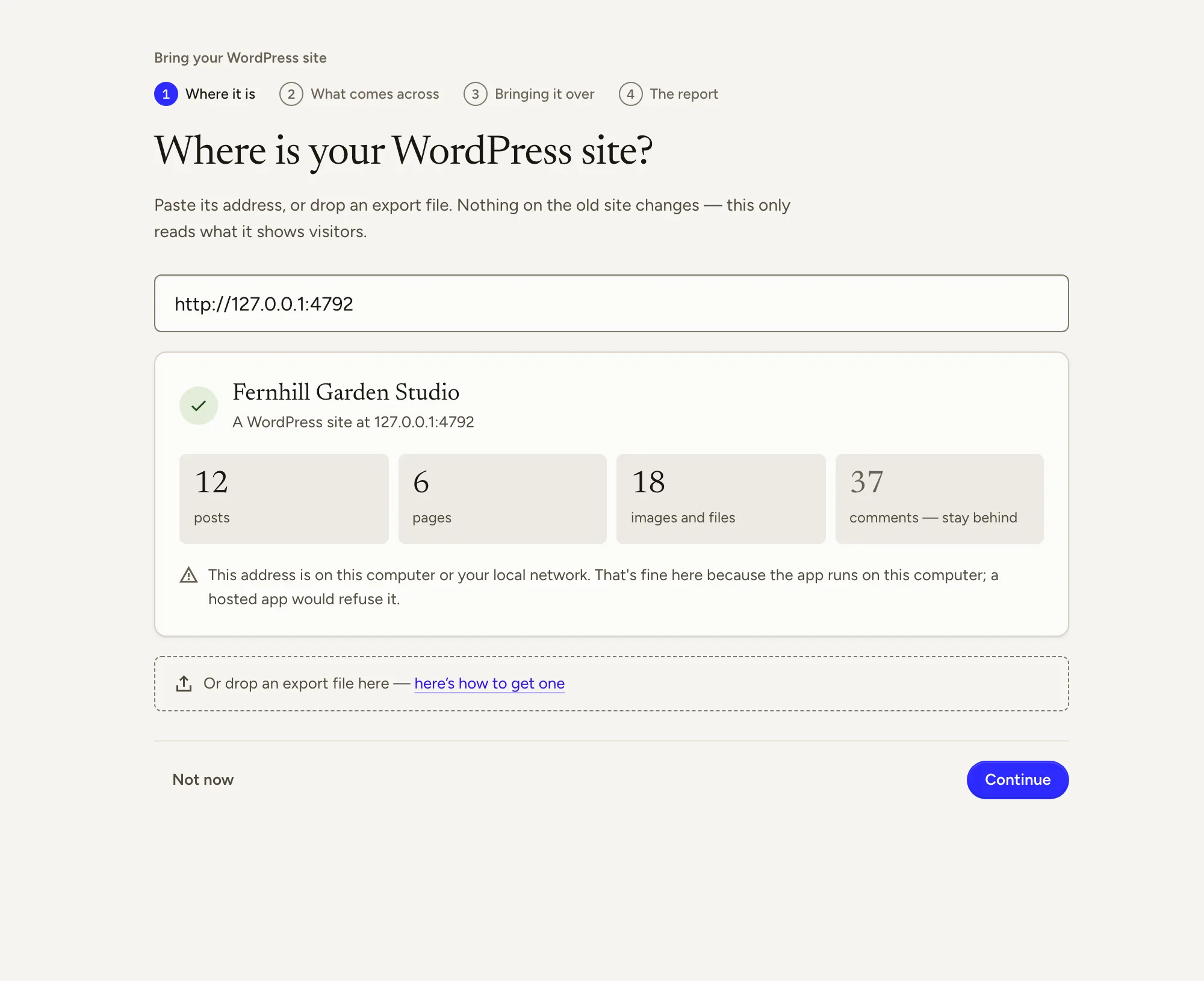
These pictures were made with a stand-in WordPress site running on the same computer, which is why its address is 127.0.0.1.
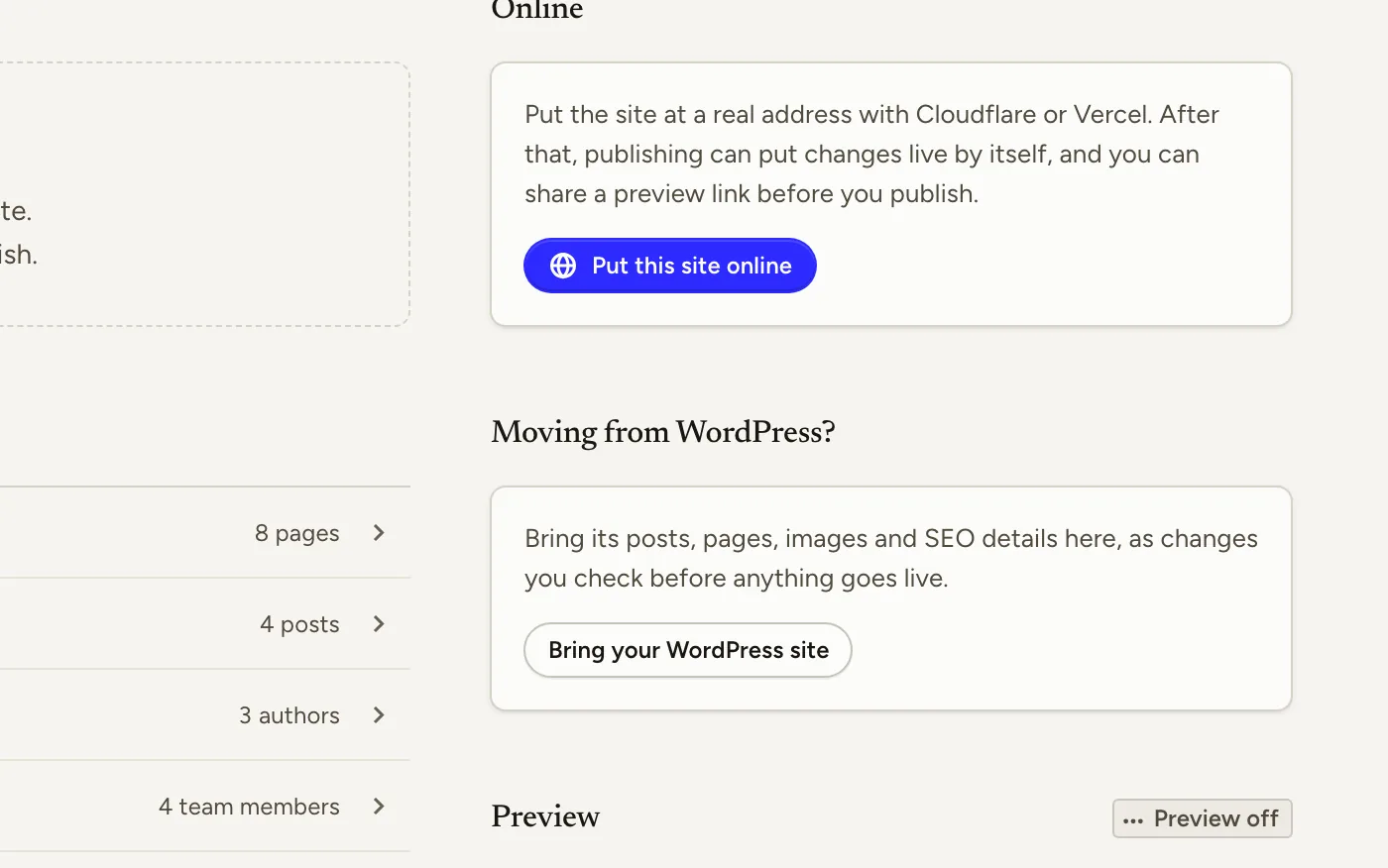
On Site home, under Moving from WordPress?, press Bring your WordPress site.
Paste the site's address (it's checked as you type), or drop an export file, then press Continue.
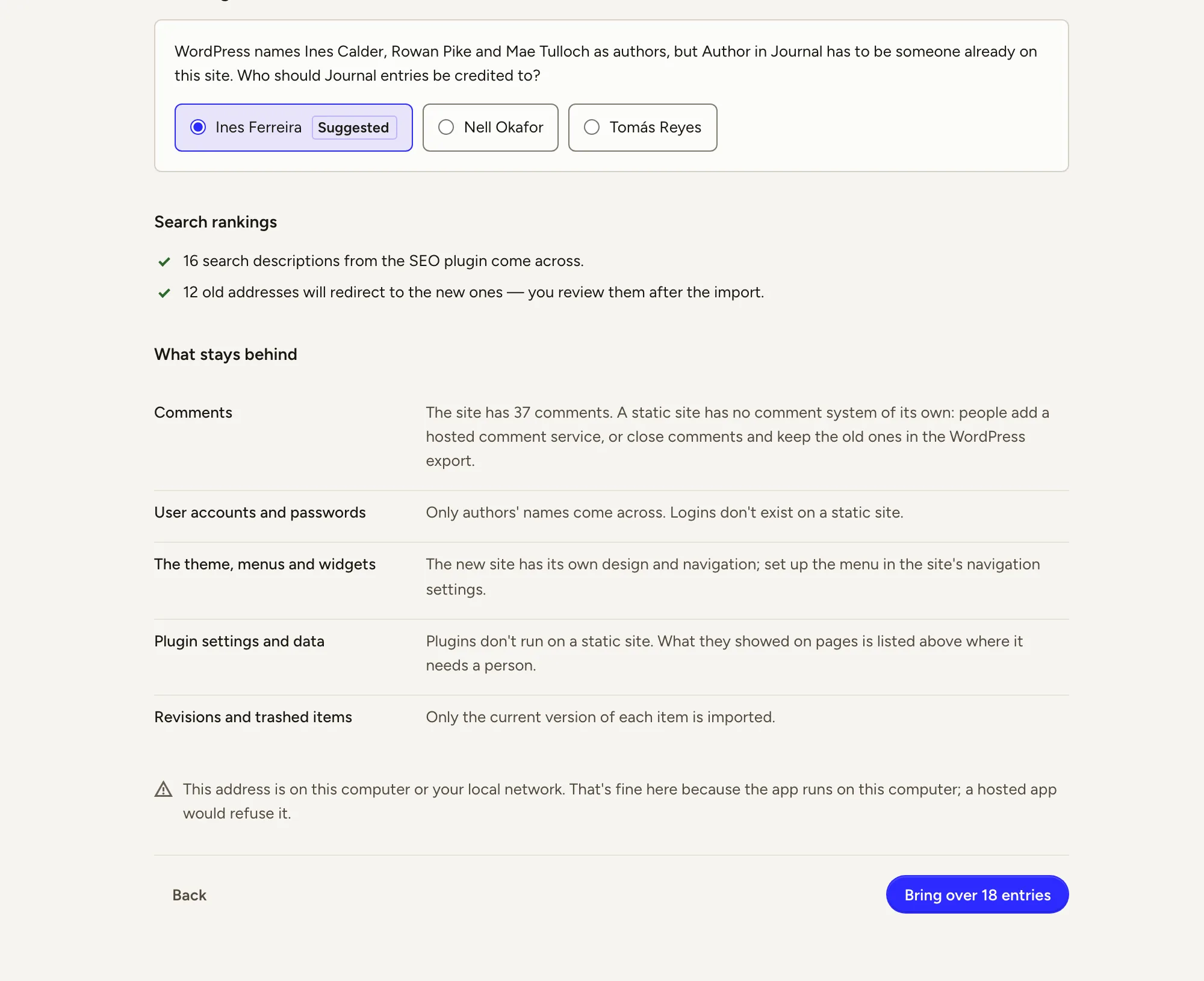
Check What comes across: where posts and pages go, anything to decide, your search rankings and what stays behind. Then press Bring over 18 entries (the number is yours).
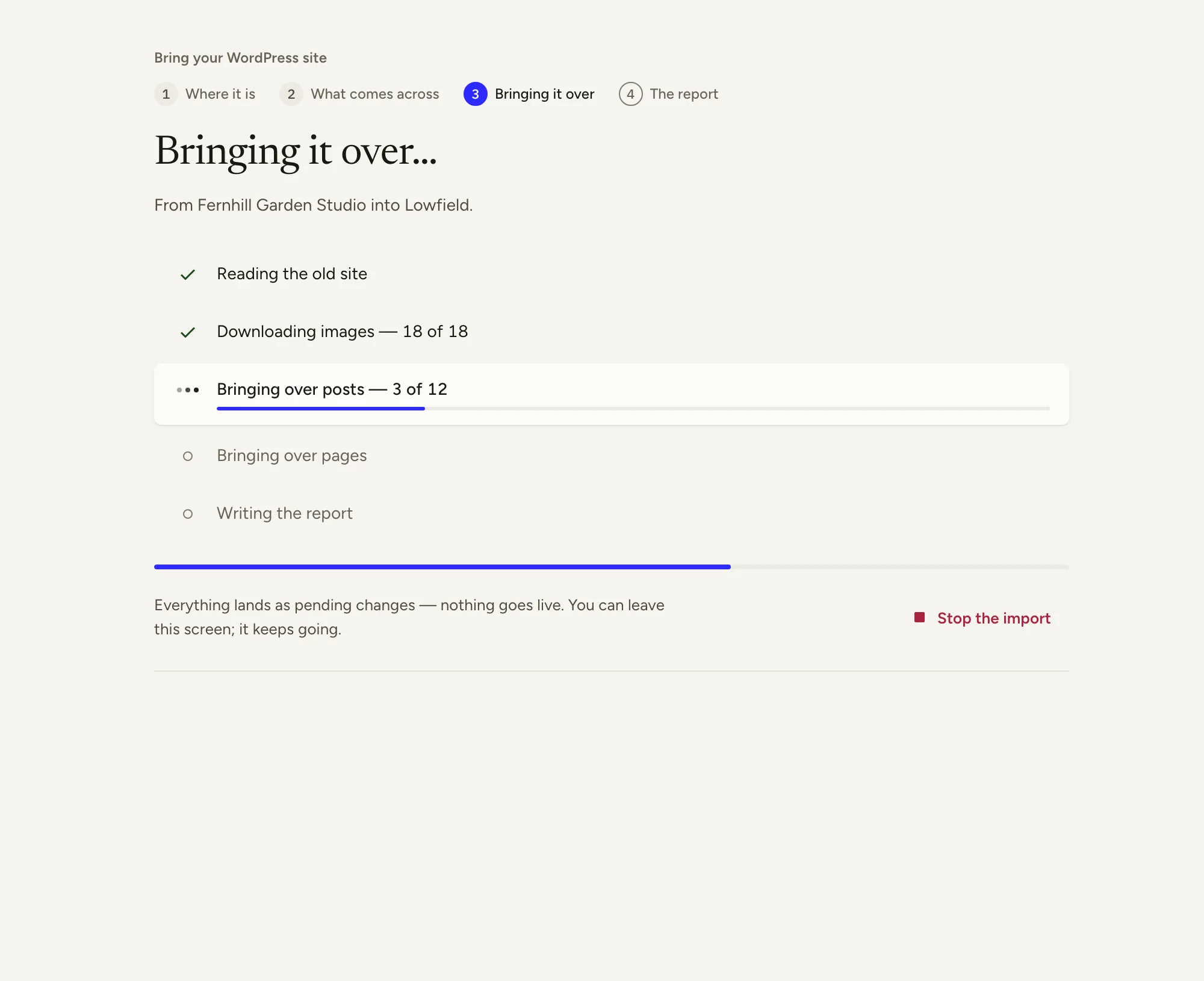
Wait while it brings everything over — reading the old site, downloading images, posts, pages.
You’ll see: Everything lands as pending changes; you can leave the screen and it keeps going.
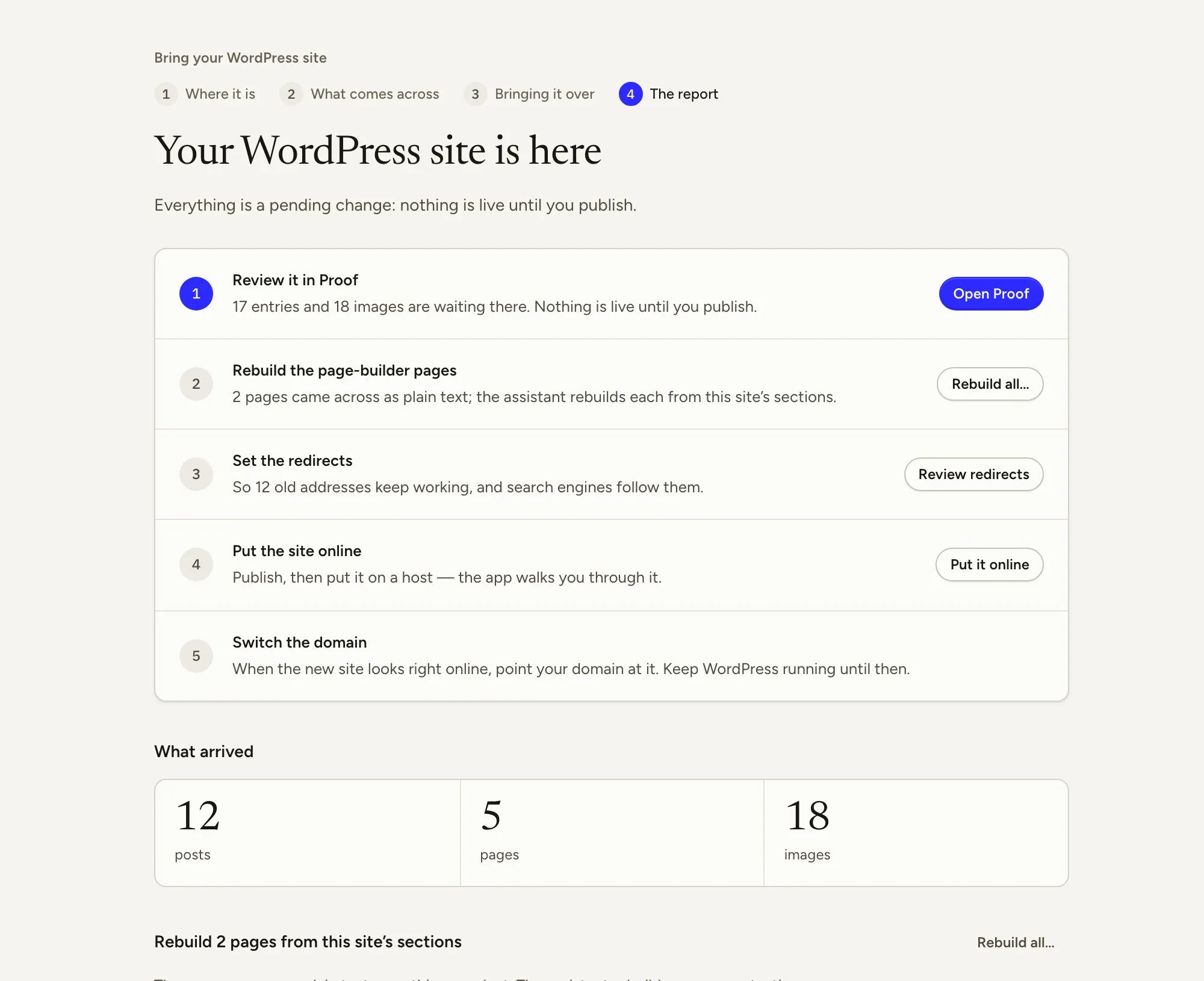
Read the report, then work down its list: Open Proof to review everything, Rebuild all… for page-builder pages, Review redirects so old links keep working.
You’ll see: Nothing is live until you publish; keep WordPress running until the new site looks right online.